SYMPTOM:
A user upgrades to Strategy Analytics Platform 9.4 and runs a document that was created in a previous version of Strategy. When the document runs, the data displays correctly. However, the user notices that some of the element names are cut off:
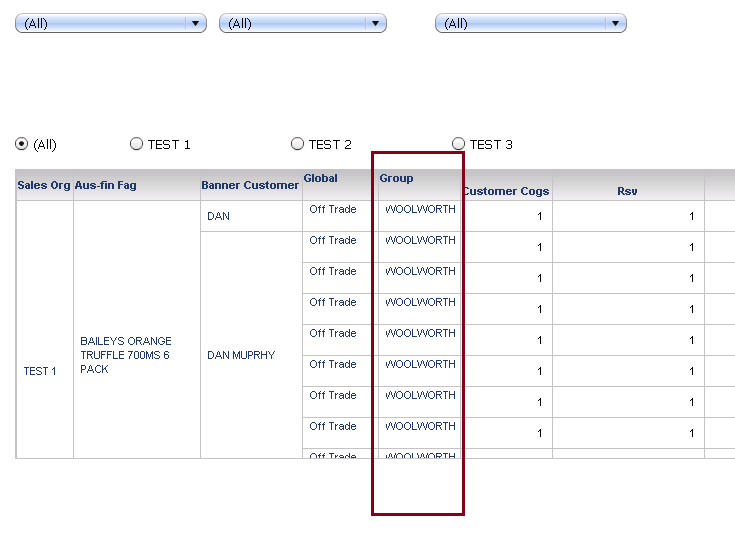
The cell boxes will not resize according to the size of the labels they are holding. As a result, part of the data in those cells is not visible. This inhibits the user from viewing the document correct and in some cases, the attribute and metric values cannot be properly discerned.
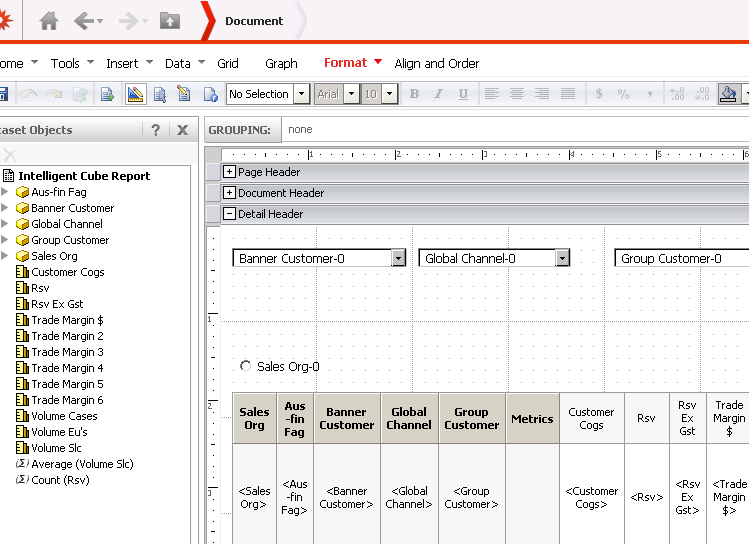
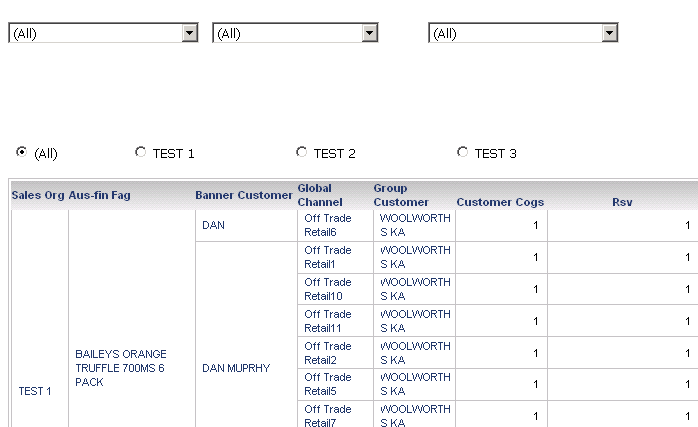
STEPS TO REPRODUCE
CAUSE:
This is a known issue in Strategy 9.4. Users with documents and dashboards that they created in a previous version of Strategy that they want to view after upgrading to 9.4 may notice that some of the information in the rows and columns are cut off.
ACTION:
This issue has been addressed in Strategy Web 9.4.1 HF2. Upgrade to this version to take advantage of the fix.
WORKAROUND:
If the user is unable to upgrade to a newer version of Strategy, another workaround would be to use a different display mode. This issue is only occurs in Flash mode. If the user uses, Interactive, Editable or HTMl mode, the words in the grid should display as normal.
