SYMPTOM:
When upgrading a metadata via Configuration Wizard, the process fails due to following error message.
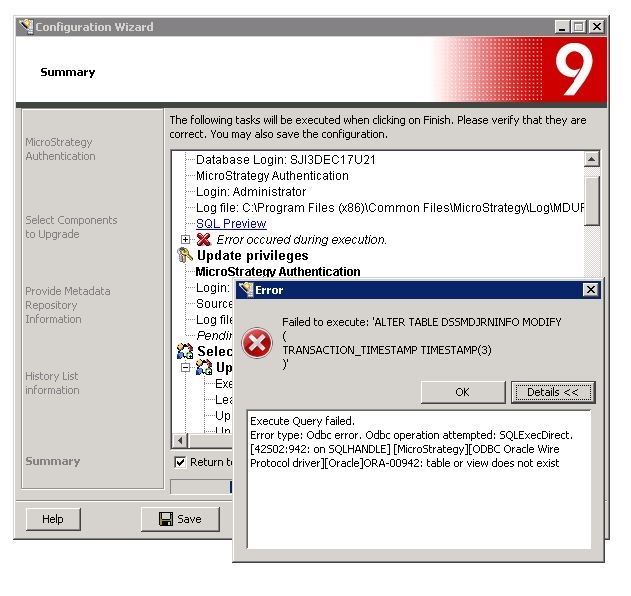
Error captured in DSSErrors.log
Execute Query failed.
Error type: Odbc error. Odbc operation attempted: SQLExecDirect. ORA-00942: table or view does not exist Connection String: DSN=sjiao;UID=SJI3DEC17U21;HOST=10.16.17.11;PORT=1522;SID=orcl112;. SQL Statement: ALTER TABLE DSSMDJRNINFO MODIFY
(
TRANSACTION_TIMESTAMP TIMESTAMP(3)
).
CAUSE:
One possible cause is that table 'DSSMDJRNINFO' is missing in the metadata. As a result, the upgrade process terminated since it fails to operate on this table.
ACTION:
Users can create an new and empty metadata in the source version of Strategy so that all tables will present in the new metadata. Then migrate the data or duplicate projects from the problematic metadata database to the new one.
NOTE: The table might be missing when migrating the metadata from one database to another during which empty tables are not migrated. Users should consult their database administrator to verify how it is lost.
