SYMPTOM
After making a selector change that refreshes data on the target panel stack, followed by switching between panels of a panel stack using a panel selector, Internet Explorer 8 users might experience flickering horizontal and vertical scroll bars.
STEPS TO REPRODUCE
1. Create new document using a dataset that contains one attribute, e.g. Category.
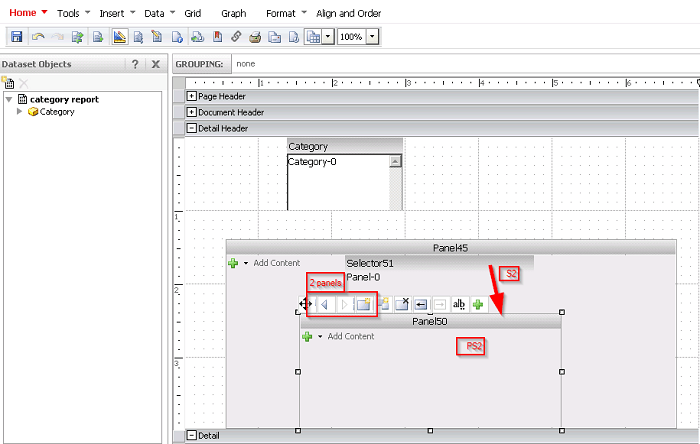
2. Insert Panel Stack (PS1) and listbox selector (S1) as attribute selector for Category, targeting PS1.

3. Insert onto PS1 the following:
a. Panel Stack (PS2) with two panels
b. Link bar selector (S2) configured as panel selector targeting PS2.
4. Go to Tools > Document Properties and:
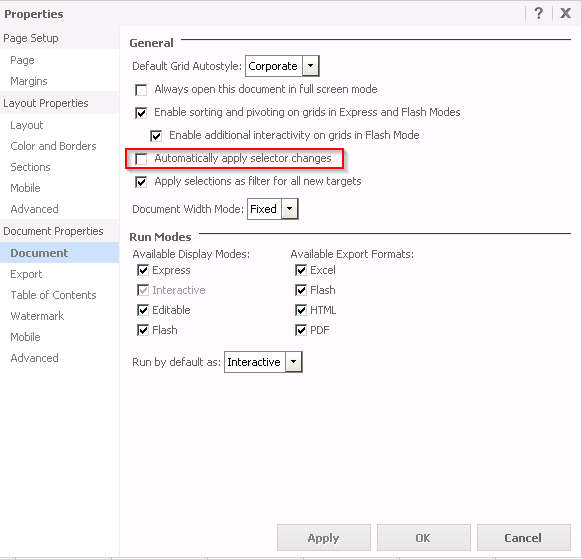
a. Under Document Properties > Document, disable "Automatically apply selector changes"
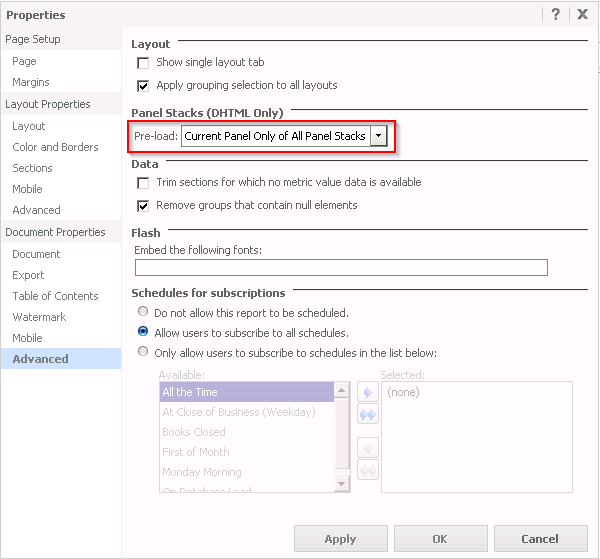
b. Under Document Properties > Advanced > Panel Stacks (DHTML Only), change pre-load settings to "Current Panel Only of All Panel Stacks"
5. Run document in Interactive mode.
6. Select (ALL) elements in attribute selector S1 and apply changes by clicking the popup icon.
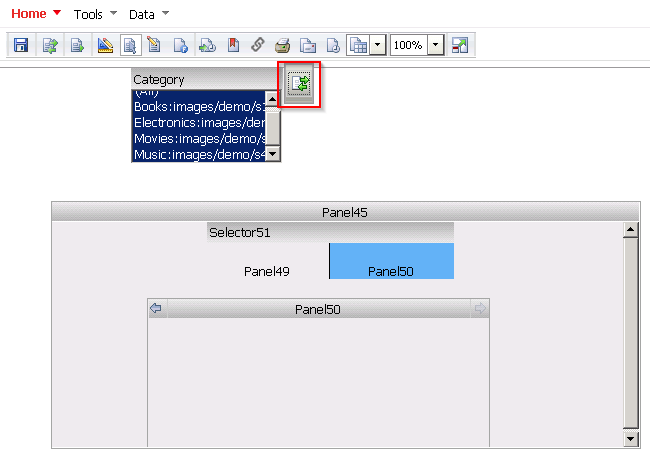
7. Switch panels using panel selector S2.

8. Repeat steps until horizontal and vertical scroll bars begin to flicker.
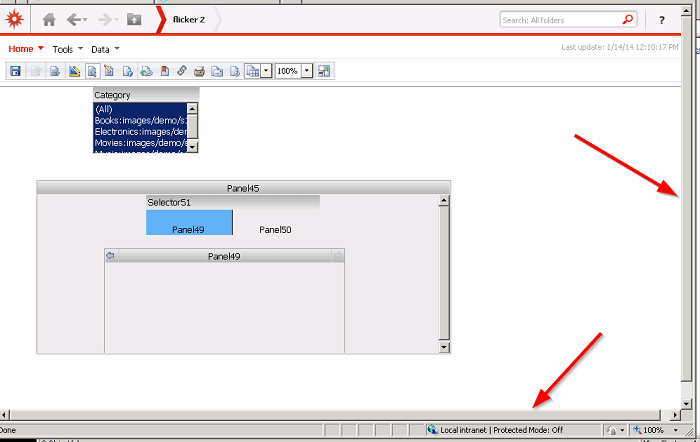
Note: Issue only affects Internet Explorer 8.
CAUSE
This is a known issue with Strategy Web 9.x.
ACTION
Contact Strategy Technical Support for an update on this issue.
WORKAROUND
1. Under Tools > Document properties > Advanced > Panel Stacks select the option "All Panels of All Panel Stacks" instead of "Current Panel Only of All Panel Stacks"
2. Enable "Automatically apply selector changes" under Tools > Document properties > Document.
