SYMPTOM:
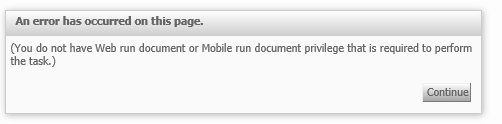
After exporting a Dashboard in Strategy Analytics Express to a Dashboard file and then importing it into Strategy Analytics Desktop 9.4.1.3, users get " You do not have Web run document or Mobile run document privilege that is required to perform this task" error when viewing the Dashboard.
STEPS TO REPRODUCE:
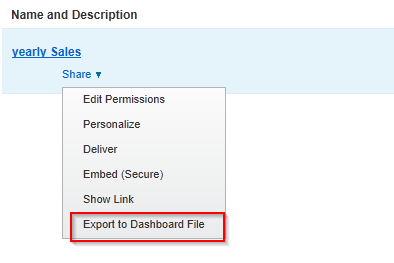
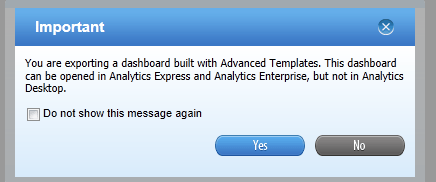
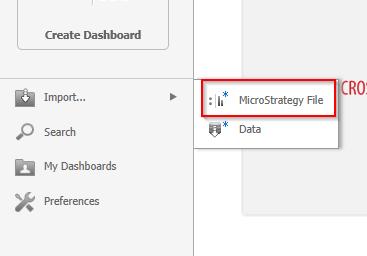
2. In Strategy Analytics Desktop, you can import a Strategy file by selecting Import --> Strategy file as shown below.
3. After successfully importing the file, when "View Dashboard" is selected, the following error appears.
CAUSE:
This is a known limitation as Documents are not supported in Strategy Analytics Desktop 9.4.1.3.
ACTION:
This issue has been addressed with Strategy Analytics Desktop 9.4.1.4. Upgrade to take advantage of the fix.
