SYMPTOM:
In Strategy 9.x - 10.x, Incremental refresh report with Update only and filter option couldn't update cube-based report after made modification to attribute ID form in warehouse
REPRODUCING STEPS IN TUTORIAL PROJECT:
Pre-requisite: Need modify one record in LU_CUSTOMER table in tutorial Access database to reproduce the issue.
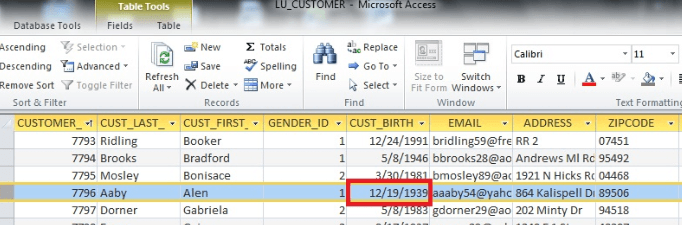
1. Original CUST_BIRTH_DATE for Aaby Alen in LU_CUSTOMER table in tutorial Access database is shown below:
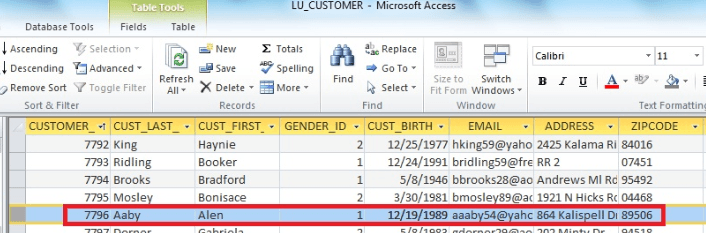
Customer ID: 7796 Customer_Last_Name:Aaby , Customer_First_Name:Alen Customer_Birth_Date:12/19/1939(1.LU_CUSTOMER_birth date_orginal)
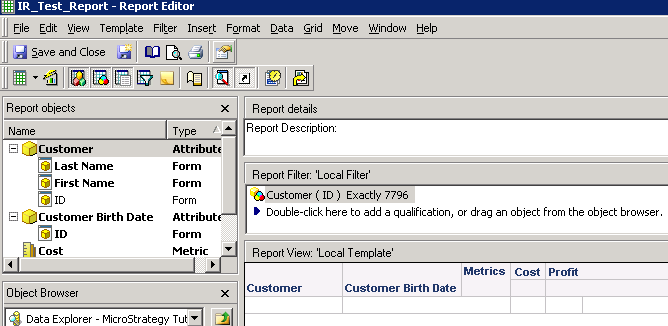
2. Create a report called IR_Test_Report with Attribute Customer, Customer Birth Date and Metric Cost and Profit on template, with a filter qualifying on Customer (ID) exactly 7796 as shown below:
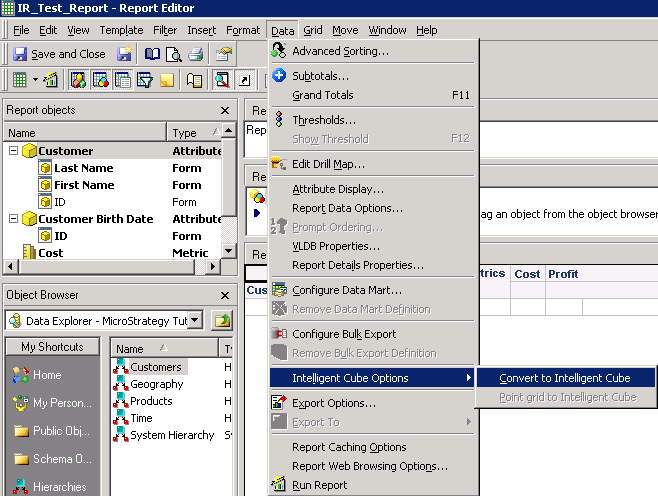
3. Convert the report to the cube called IR_TEST_CUBE as shown below:
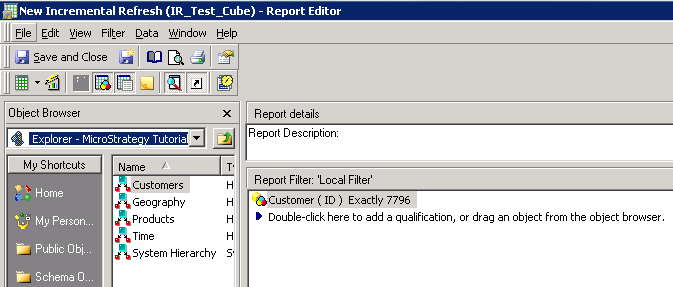
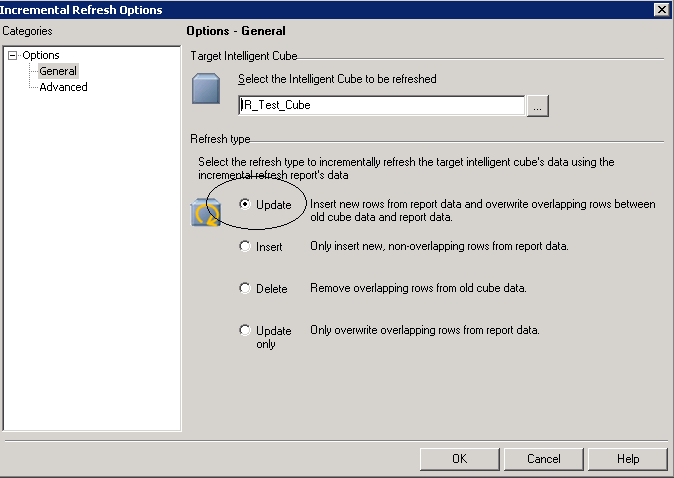
4. Right mouse click on the intelligent cube, and define Incremental Refresh report called IR_Test_Cube_Report with "update only" and advanced default filter option as shown below:
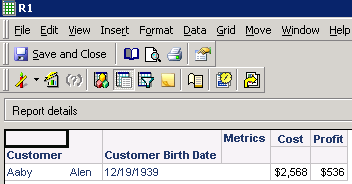
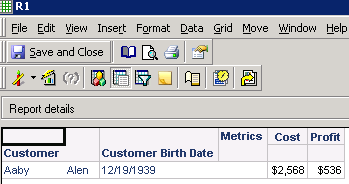
5. Create a cube based report called R1, running the report, it shows the Customer Birth Date as below:
12/19/1939
6. In Access WH, change the birthdate of Mr.Aaby from “12/19/1939” to "12/19/1989" in LU_CUSTOMER table as shown below:
7. Run the Incremental Refresh report IR_Test_Cube_Report, and it shows cube IR_TEST_CUBE has been refreshed.
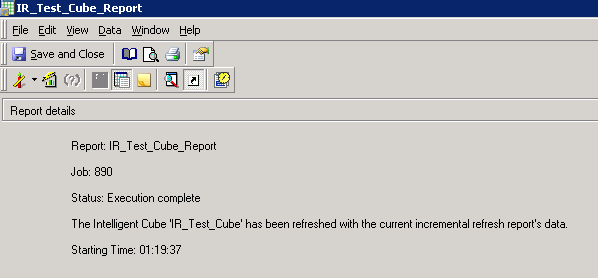
SQL Statements runs properly as shown below.
SQL Statements:
Pass0 -             Query Execution:           0:00:00.01
            Data Fetching and Processing:  0:00:00.00
             Data Transfer from Datasource(s):       0:00:00.00
            Other Processing:         0:00:00.04
            Rows selected: 1
select   a11. AS CUSTOMER_ID,
            max(a12.) AS CUST_LAST_NAME,
            max(a12.) AS CUST_FIRST_NAME,
            a12. AS CUST_BIRTHDATE,
            sum(a11.) AS WJXBFS1,
            sum((a11. - a11.)) AS WJXBFS2
from             a11,
                      a12
where    a11. = a12.
and      a11. = 7796
group by           a11.,
            a12.
Pass1 -             Query Execution:           0:00:00.00
            Data Fetching and Processing:  0:00:00.00
              Data Transfer from Datasource(s):       0:00:00.00
            Other Processing:         0:00:00.03
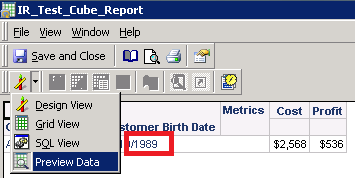
9. But run the cube based report R1 again, the Customer Birth Date still shows 12/19/1939. It should be "12/19/1989". It looks like data has not been updated.
SQL view shows access the cube properly.
Intelligent Cubes Accessed:
Intelligent Cube SQL Statements:
Pass0 -             Duration: 0:00:00.00

select   @,
            @,
            @,
            @,
            ,

from     IR_Test_Cube
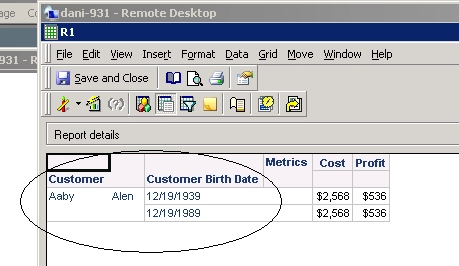
The result for R1 is updated with both original and new data.
After republishing the cube, R1 will return the latest data.
