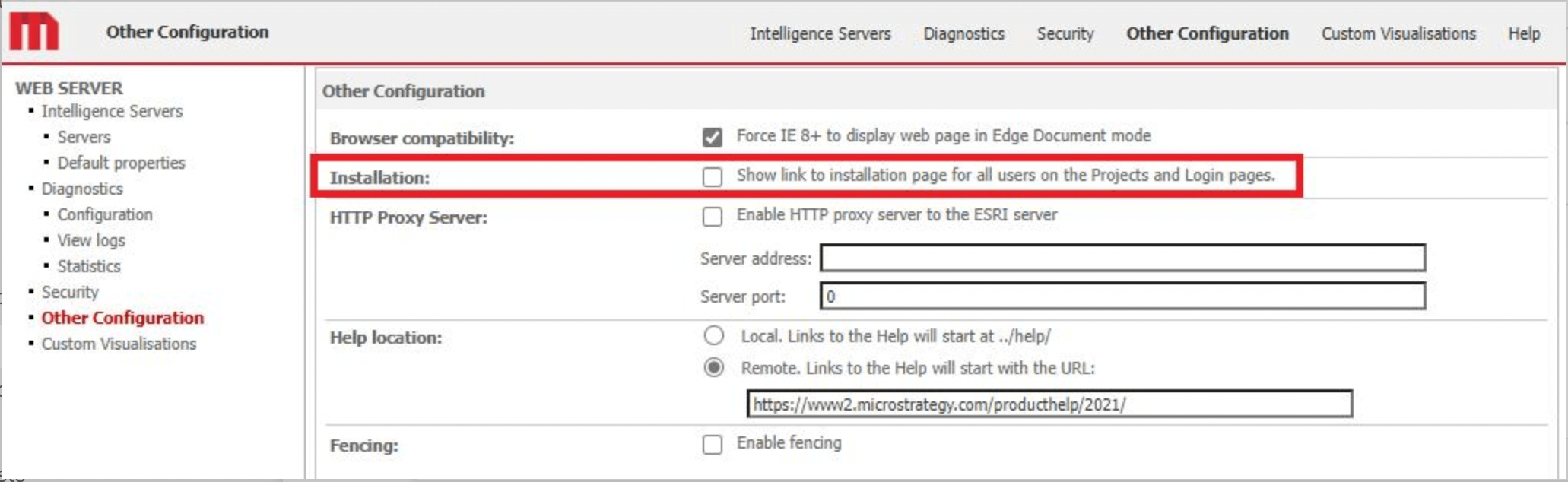
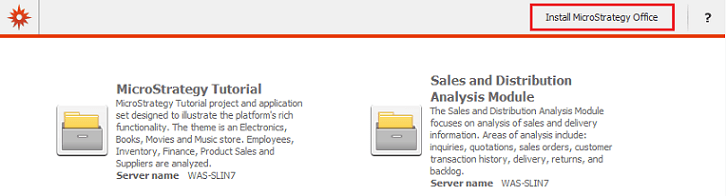
To remove the "Install Strategy Office" link that appears on the login page of Strategy Web (illustrated in the figure below), perform the following steps:
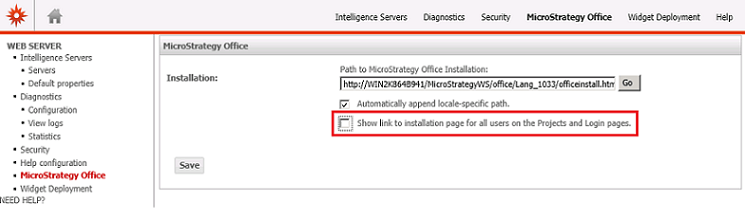
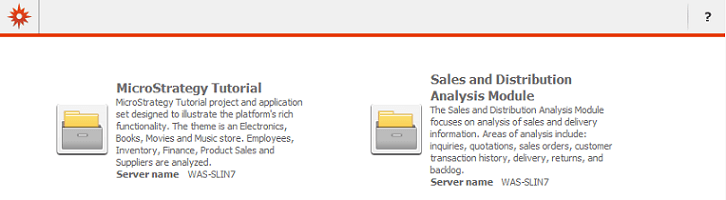
The login page should no longer include the "Install Strategy Office" link.
Starting with Strategy 2021 Update 2 the option “Install Strategy Office” in Strategy Web changed to “Explore Strategy”.
The link "Install Strategy Office" was referring to the legacy office plugin based on Web services, the new link in 2021 Update 2 and onward refers to the new Excel add-in based on Rest API using Strategy Library.

Removing the link “Explore Strategy” can be equally done via the Web Admin page under “Other Configuration” by unchecking the option “Show link to installation page for all users on the Projects and Login pages”: