SYMPTOM:
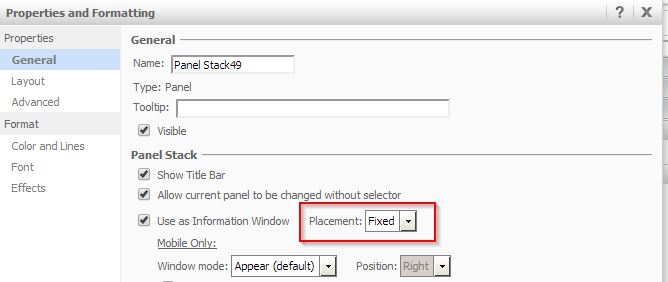
In Strategy Web 9.3.1, the placement setting for an Information Window can be set to 'Fixed'. This will ensure that the position of the info window be locked in one location. In Express mode, when a user runs the document and opens the info window, it will display in its fixed location correctly. However, if the user then closes the info window, scrolls down, and triggers it again, the location of the info window will be changed to appear within the visible area of the screen and not in the previous location, that may have disappeared from the screen due to the scrolling, as shown below:
Before scrolling:
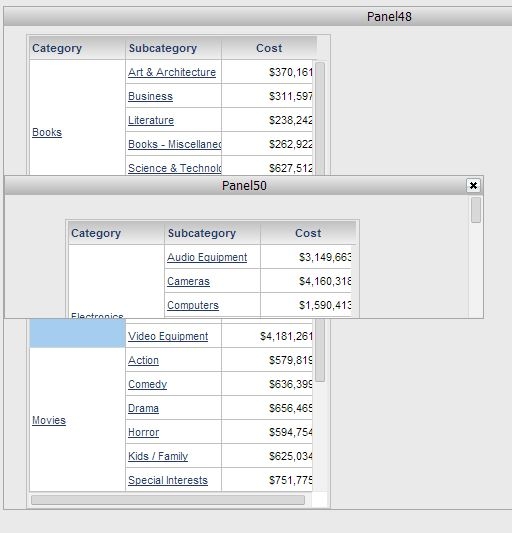
Notice how the info window appears covering the "Electronics" element.
After scrolling down:
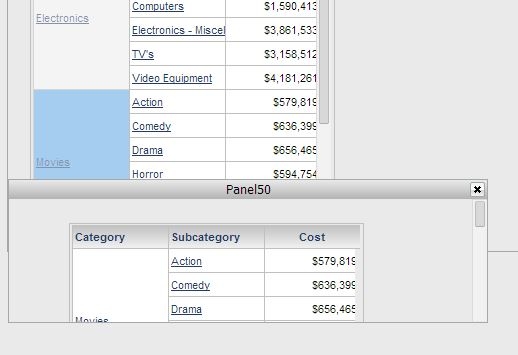
Notice how the info window appears covering the "Music" element, instead of being fixed on top of the "Electronics" element.
The location is fixed correctly in Flash mode as shown below:
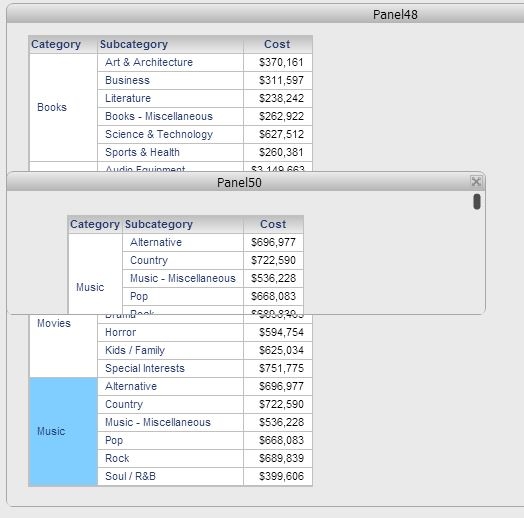
Notice how the info window always displays covering the "Electronics" element.
STEPS TO REPRODUCE:
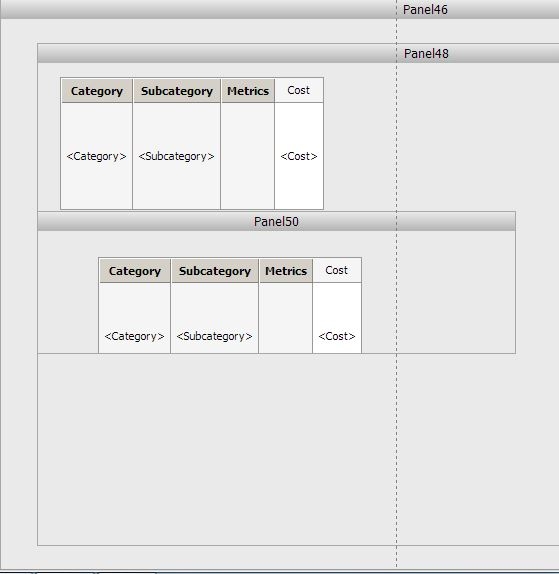
Follow these steps to reproduce the issue in Strategy Tutorial Project:
CAUSE:
This is a known issue in Strategy Web 9.3.1.
ACTION:
This issue has been addressed in Strategy 9.4.0. Upgrade to this version to take advantage of the fix.
WORKAROUND:
If possible, run the document in Flash mode instead to avoid this issue.
