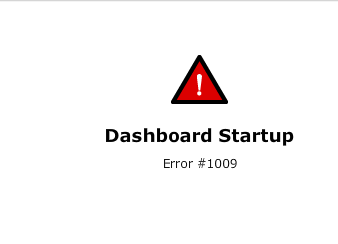
A user can attempt to create a new Visual Insight Dashboard and select the option for Data Import instead of selecting an existing report. After upgrading to Strategy Web 9.4.1, users notice that the data import process will continue to work successfully, but the VI dashboard will not execute correctly and show the following error message:
Sample Code/Error
Dashboard Startup
Error #1009
C:\Program Files\Common Files\MicroStrategy\mdupdateutil.exe
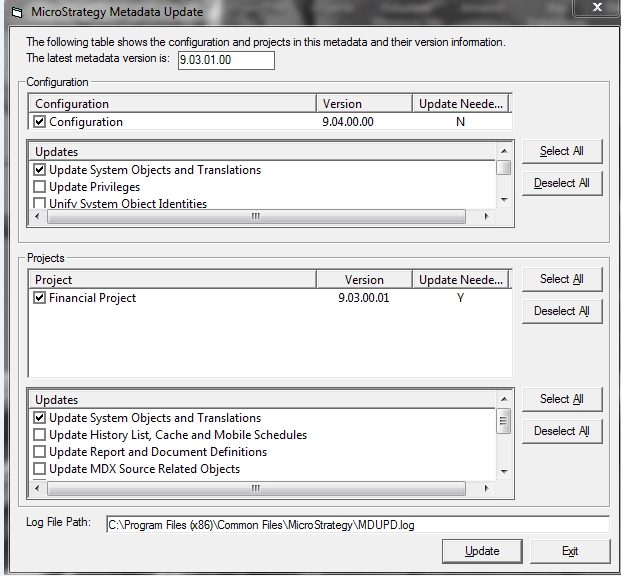
When this version and the version of the Strategy servers does not match, that's when the issue occurs.
ACTION:
Use the Strategy Configuration Wizard to upgrade the metadata to the same version the Strategy servers are in to resolve this issue.
KB 000002715
