When creating an Alert Subscription, it is possible to create conditions based on multiple report objects. The following steps describe how to do so:
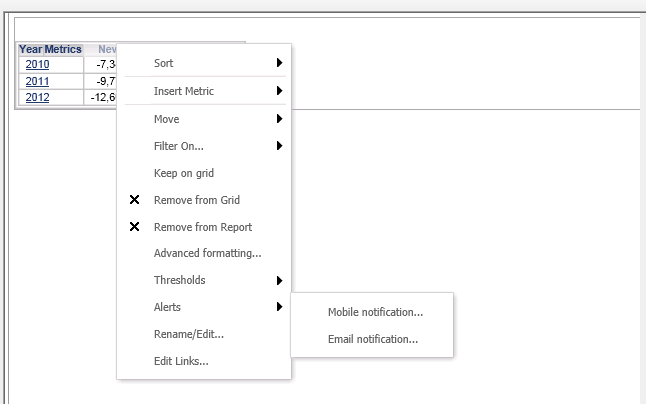
1. Launch the Alert Subscription editor by right mouse clicking on a metric or an attribute in a report in Strategy Web:
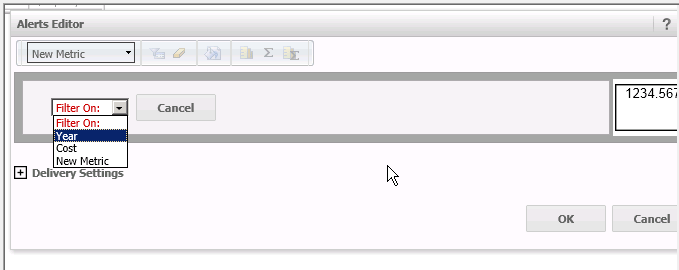
2. Create a condition based on the first element in the available list of elements:
3. Once the first condition is created, from the Alerts Editor click on the 'Add condition' button from the top menu bar:

4. Now a second object can be selected to create the next condition:

5. The logical operator can be modified for the conditions:

For detailed information on how to create Alert subsciptions, please refer to KB34054.
