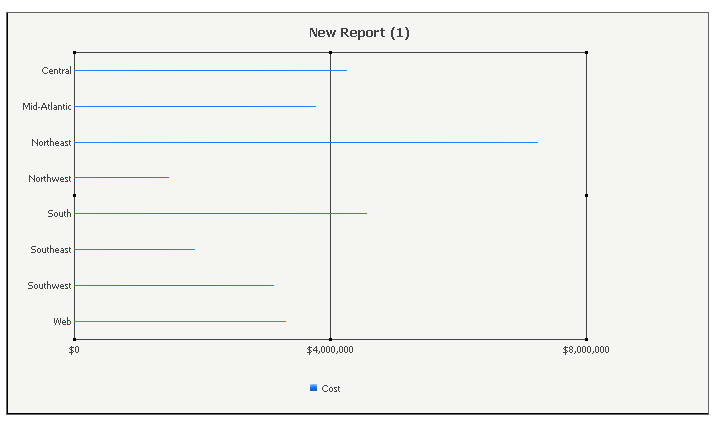
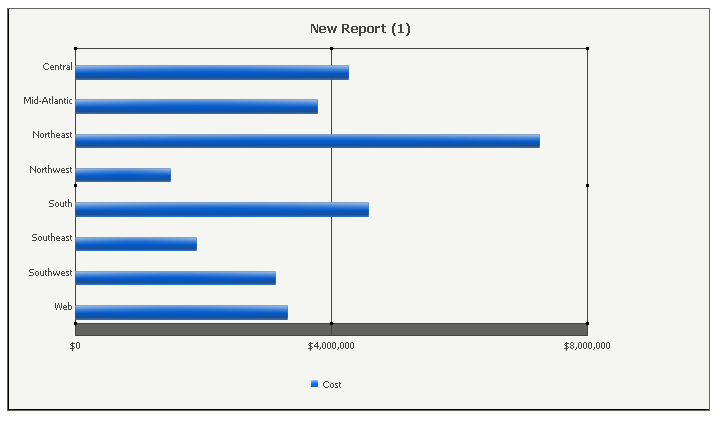
When creating graphs in Strategy Developer, it may be desired to adjust the width of the bars that display in bar-type graphs. A manually set, fixed width option does not appear to be available by design, since an algorithm handles this, however there are some options that are available to adjust the size of the bars:
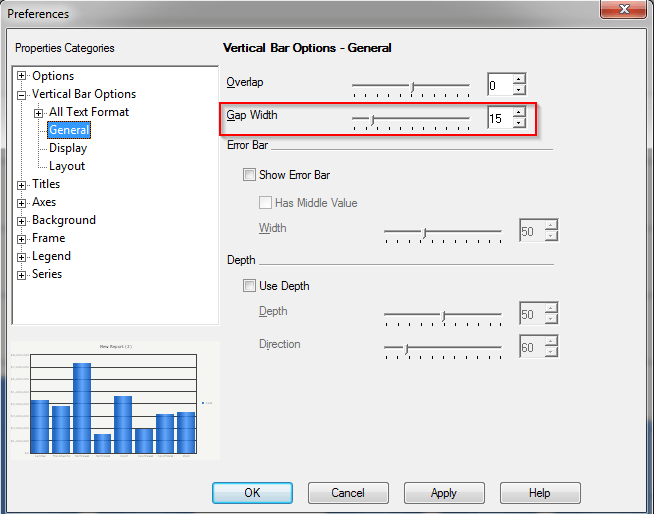
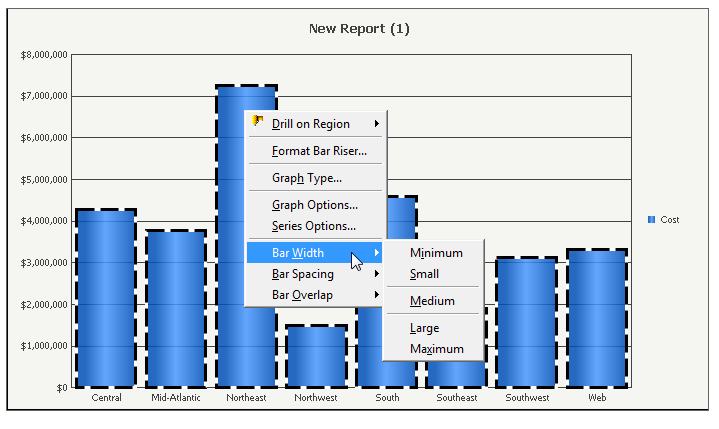
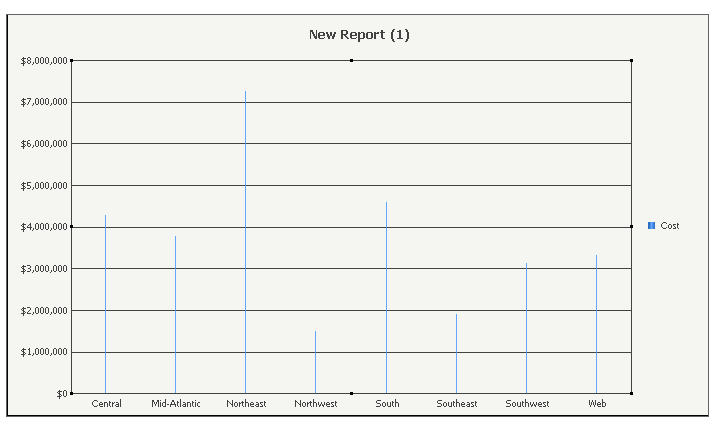
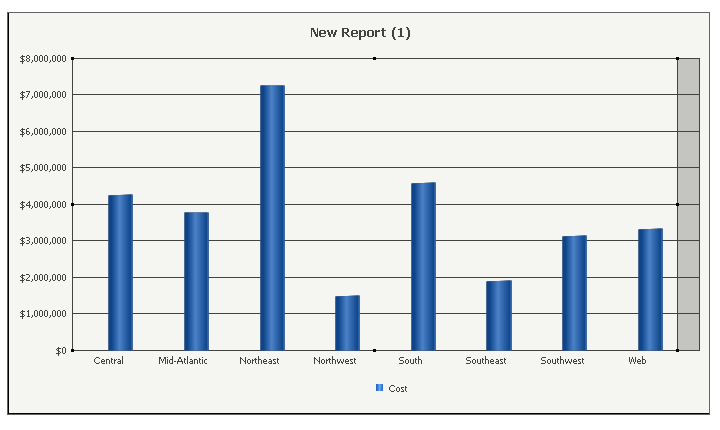
In some situations, the Bar Width or the Gap Width settings may not appear to apply to a graph. Usually, this is the result of limitations such as: not enough space for the bars to be adjusted, too much data being displayed, etc. In situations such as these, the following workaround can be employed to try to achieve some more bulk to the bars so that they can be more pronounced for the audience that views the graph:
Vertical Bar Graphs:
Horizontal Bar Graphs: