SUMMARY:
This issue has been classified as an enhancement by Strategy. The impact is limited to Strategy Web when using Edit Links on a grid in Strategy 10.4 - 10.4 HF5 and 10.6 - 10.7. A workaround is available in the current document for this releases. A solution/code fix for this issue is available in current releases. This preference will not affect Mobile.
SYMPTOM:
A user has created a link from an attribute on a grid. The user is unable to disable the attribute header as a link. When the attribute header is selected, it will pass all attribute element values.
STEPS TO REPRODUCE:
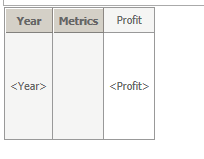
1. Create a Report R1 with the Year attribute and the Profit Metric
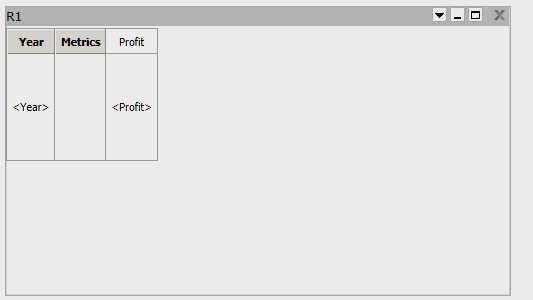
2. Create a Document D1 with R1 as a dataset
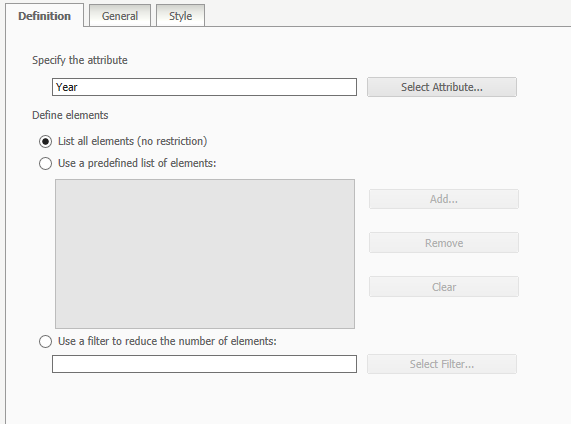
3. Create an attribute element prompt on the Year attribute
4. Create a Report R2 with the Year attribute, the Profit Metric, and the Year prompt from the previous step

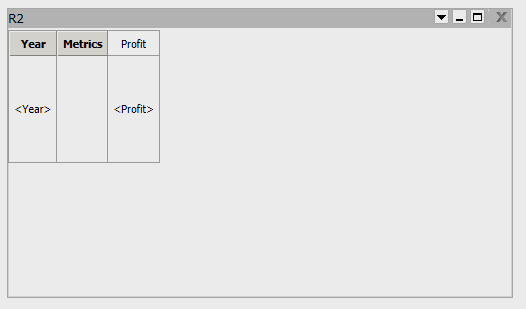
5. Create a Document D2 with R2 as a dataset
6. In the D1, right click the Year attribute and select edit links.

7. In the Links window, choose to run D2, select the Year prompt, and choose Answer dynamically.

8. When the D1 is run and the user clicks the Year attribute header, it will link to D2 and pass all of the attribute element values
CAUSE:
This is working as designed when using edit links functionality. There is an existing enhancement request to allow the user to disable the attribute header as a link.
ACTION:
This enhancement has been added in the Strategy platform in 10.4 HF6 and 10.11 and above. The Web Preference "Allow link drilling on header" was added, under Project Defaults - Grid display:
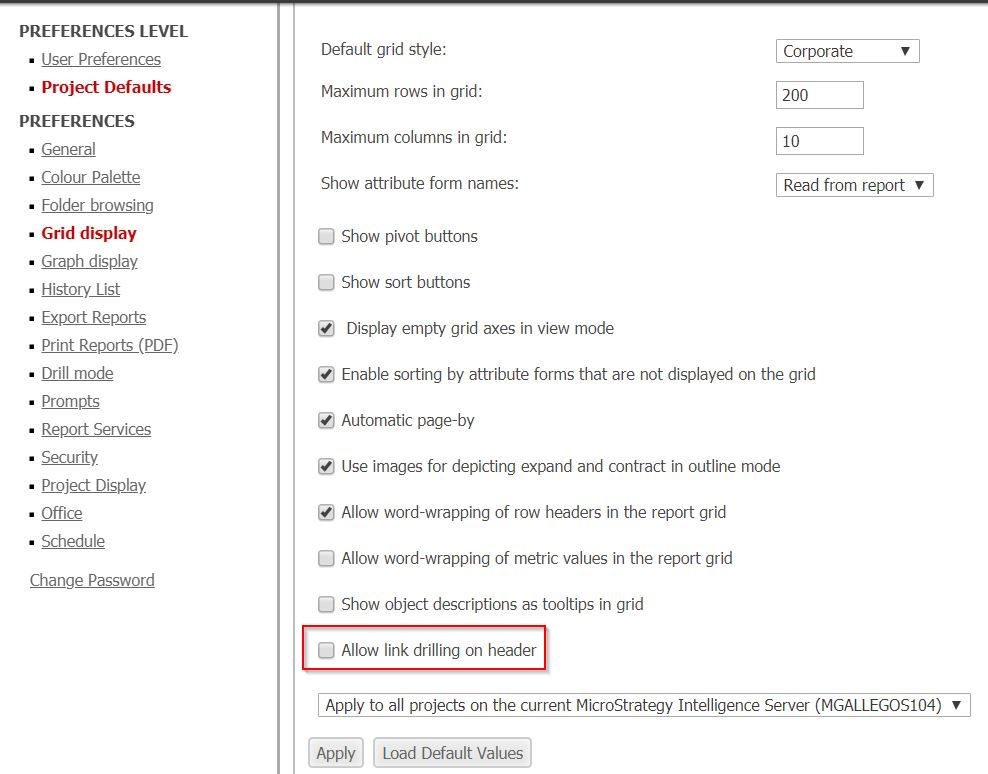
This is turned on by default, however, once this setting is unchecked, the link will no longer be available in the header:

Upgrade to the latest version or HF in order to take advantage of the enhancement.
WORKAROUND:
If you are using an earlier version of Strategy, there are two possible workarounds for this issue:
--The user may cover the attribute header with an image or a text box so that it cannot be selected.
--The can disable column headers by selecting Properties and Formatting > Grid and unchecking show column or row headers.
TO LEARN MORE:
KB39842: Linking on attribute headers is not possible in MicroStrategy 9.0.1 because the link is grayed out.
KB39841: How to use Edit Links to pass all the elements of an attribute from a parent to a child report/document in MicroStrategy 9.0.2 and newer.
Strategy Report Services Document Creation Guide Chapter 6. Linking from Documents.
