SYMPTOM:
Users do not have possibility to open mobile settings from their mobile devices when a custom home screen is configured to display a report or document
If we consider following mobile server setup:
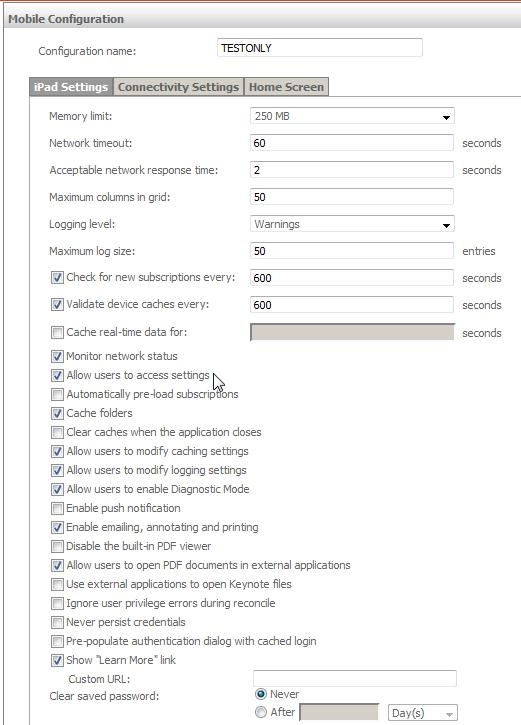
Then we set up home screen to a document:
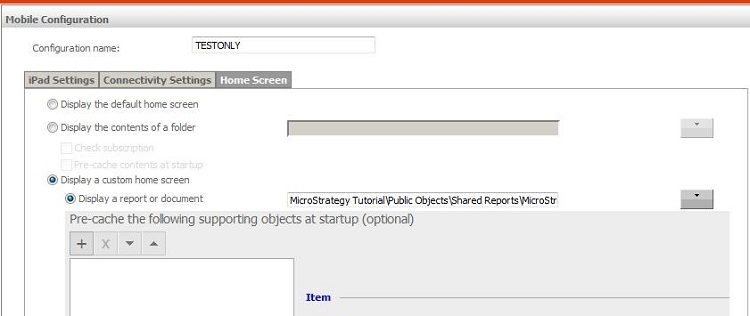
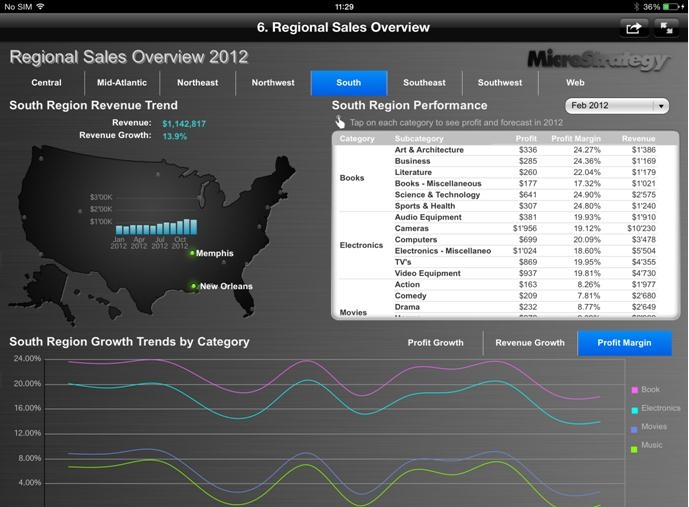
Then when we open mobile application we start on the document and we cannot leave it. There is no as well icon that will allow us to open mobile settings.
CAUSE:
This is working by design of current mobile application. Users do not have possibility to open settings directly from reports/documents. When home screen is set we prevent users to leave home screen document and they do not have possibility to find info button - and then open settings.
WORKAROUND:
Users may use mobile event 3999 to directly open settings page from browser level or there may be link created on the home screen document to navigate user directly to settings page.
To use even 3999 from browser level user should type mstr://?evt=3999 in address bar.
To create link to settings on the document please see blow Technical Note:
KB38298: How to create a link to the setting page on a document for use on an iPad or iPhone in MicroStrategy 9.x
