INTRODUCTION
There are cases when a user may want to create a report cache without manually executing the report against the data warehouse. An example would be when the user needs to create many report caches, and creating the caches by manually running each report consecutively would consume a great deal of time. The steps below can be used to create multiple report caches at one time, without having to manually run each report. This can be done by creating an "Update cache" subscription. When no cache exists for a report, subscribing a recipient to a "Cache update" subscription and running the subscription will create a new cache for the report in question.
Steps to create caches using an "Update cache" subscription:
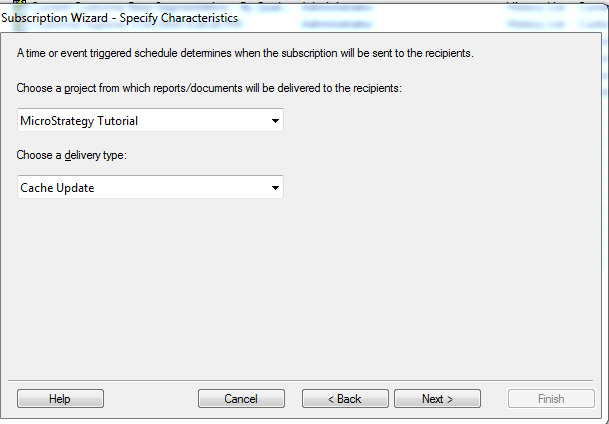
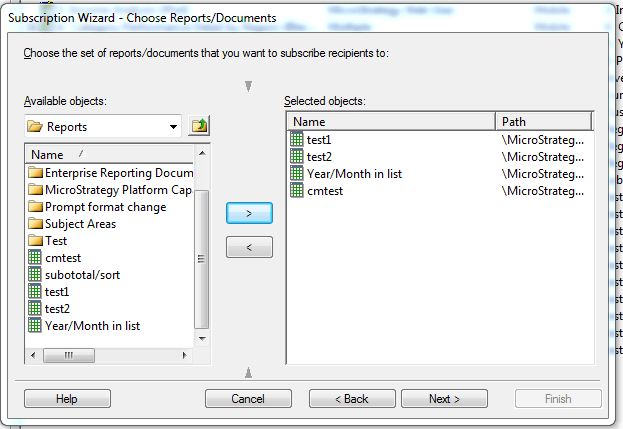
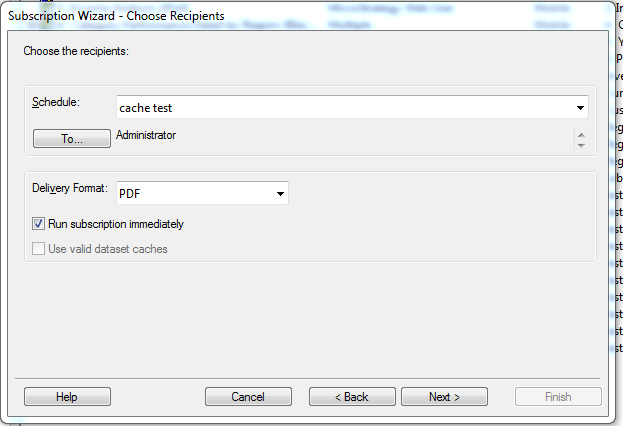
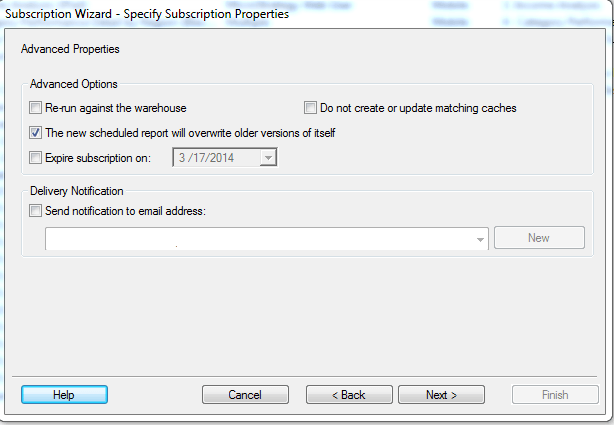
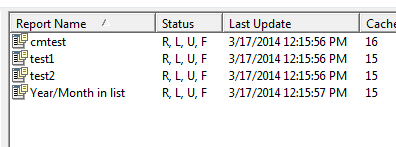
The caches will be created. To confirm that the caches have been created browse to Administration -> System monitors -> Caches -> Reports to see the newly created caches.