In Strategy Developer, it may be necessary to create a report that will calculate the year to date total of a metric. This can be achieved in multiple ways, but this Tech Note will focus on creating a Year to Date metric using a Month or Quarter attribute without using a transformation table.
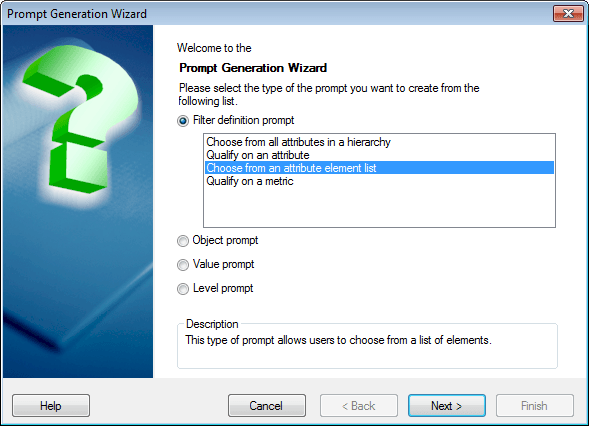
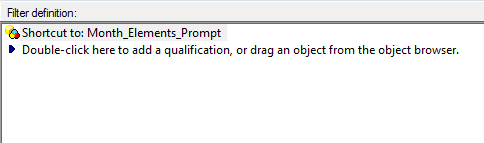
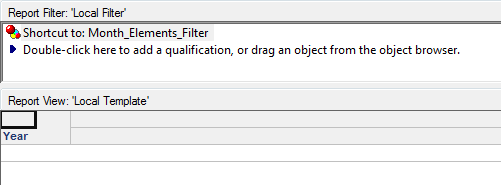
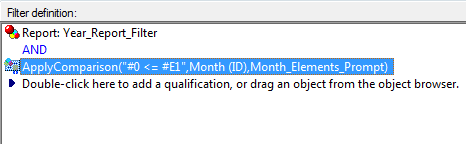
STEPS TO CREATE YEAR TO DATE FILTER:
For additional methods for calculating the Year to Date total on a metric, see the following Tech Notes:
KB18025 - "How to create a year-to-date report without a relationship table in Strategy Desktop 8.x" - This Tech Note describes a method using dynamic dates to calculate the year to date metric, which requires an attribute with a date attribute form.
KB13932 - "How to create a report that displays a row for each of the months in a year up to a month specified in a report filter qualifications in Strategy Desktop 8.x and 9.0.x" - This Tech Note describes how to use a transformation table to create a month to date metric
