SYMPTOM:
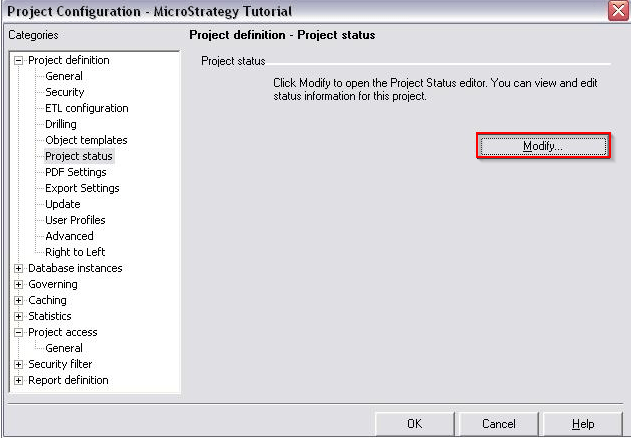
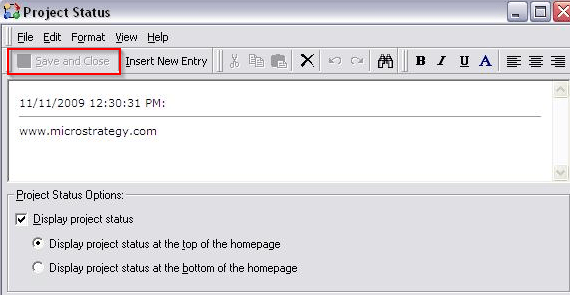
When user attempts to modify project status in "Project Configuration",the user cannot save and close the newly modified project status as shown below:
CAUSE:
This is a known issue in Strategy Desktop 9.x.
ACTION:
Contact Strategy Technical Support for an update on this issue.
WORKAROUND:
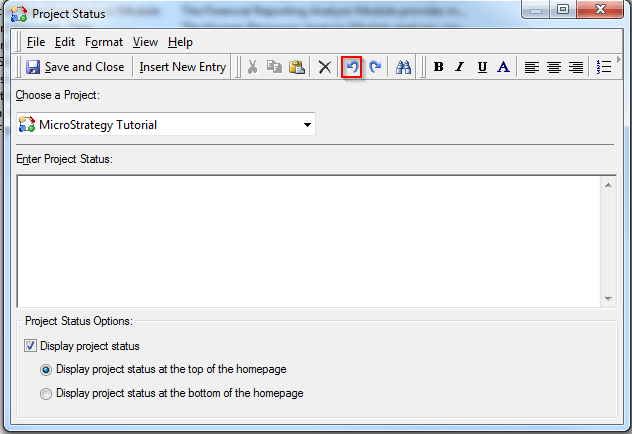
Upon opening the "Project Status" window, click the "Undo" button first, then modify the project status as desired. "Save and Close" option will no longer be greyed out.