Behavior difference between Strategy Mobile iOS 9.4.1 Update 1 and earlier versus Strategy Mobile iOS 9.4.1 Update 2:
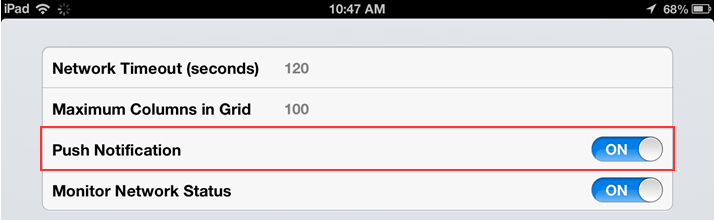
In Strategy Mobile iOS 9.4.1 Update 1 and earlier, mobile users were able to control push notification at the application level:
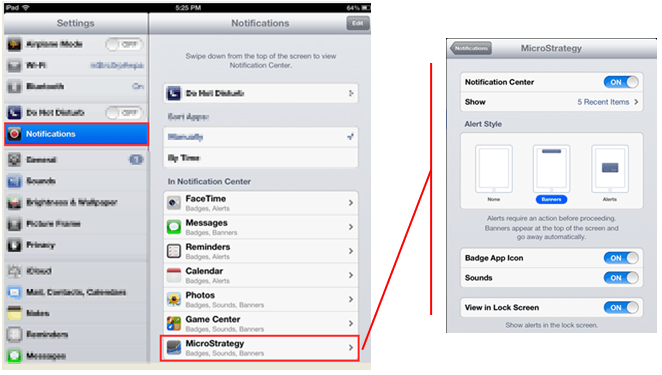
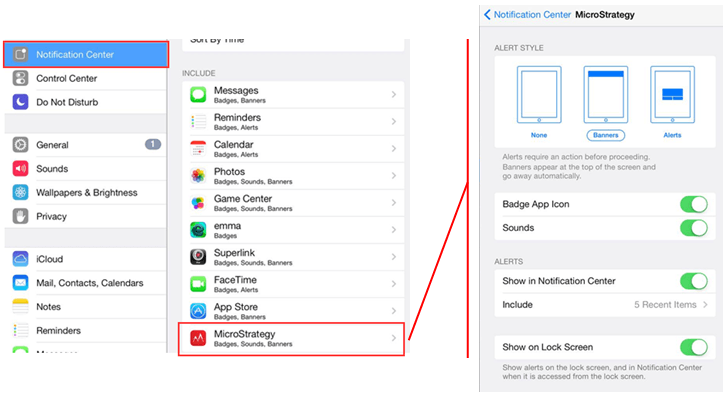
For Strategy Mobile iOS 9.4.1 Update 1 and earlier, mobile users were able to see the Push Notification settings at the iOS level:
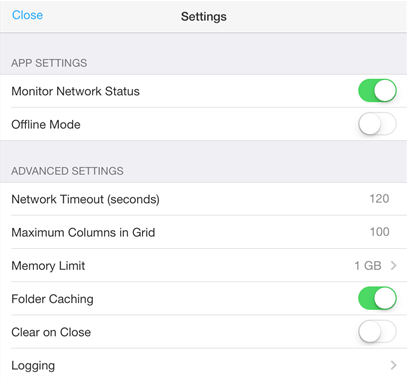
In Strategy Mobile iOS 9.4.1 Update 2, mobile users will no longer see the Push Notification option at the application level:
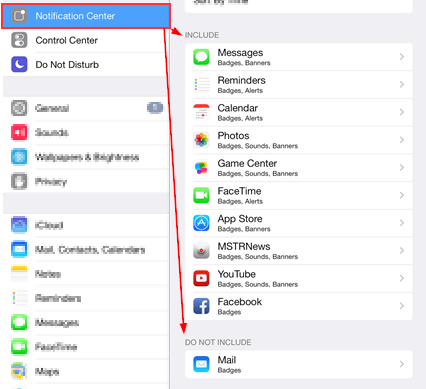
For Strategy Mobile iOS 9.4.1 Update 2, mobile users will not see Strategy as an option in the Notification Center in either the Include and Do Not Include section:
Explanation:
The removal of the Push Notification option at the application setting level and at the iOS setting level is by design.
How to get Push Notification for Strategy Mobile iOS 9.4.1 Update 2:
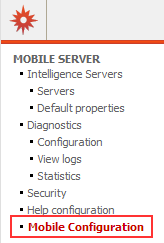
To enable push notification, the mobile user must configure their Strategy Mobile application using a mobile configuration URL. On the Strategy Mobile Server, a URL can be created using the Mobile Configuration link:
For an in-depth explanation on how to configure a mobile device, the following reference can be used:
TN: 33919 - How to use the Strategy Mobile Configuration for the iPhone/iPad Connectivity Settings in Strategy Mobile 9.0.1m to 9.2.1.
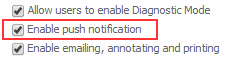
On the iPhone/iPad settings tab, the following option needs to be checked to enable Push Notification:
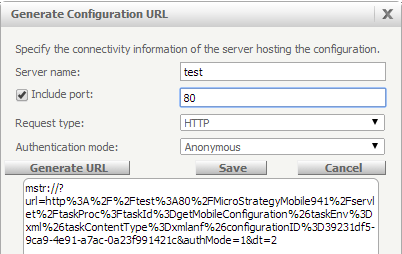
When the configuration is ready to be used, select the generate URL icon to create the URL to send to mobile users:

Click the generate URL button to create the link. Copy and save the link and send to users.
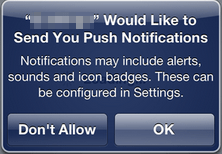
Each mobile user will click on the link on their mobile device. This will preconfigure the Strategy Mobile application for the user. If configured correctly, the user will be prompted to enable Push Notifications:
After the device has been configured, the only venue to modify the push notification settings for Strategy Mobile iOS 9.4.1 Update 2, is to change the settings at the iOS level:
The Strategy Internal Reference that documents this feature removal is 822879.
