SUMMARY:
This knowledge base article shows the issue where users cannot scroll on a text box in Strategy Mobile 9.3.1 Android App. The cause described in this article is due to a defect and has been addressed in Strategy Mobile 9.4.1 Update 1. The impact is limited to the Strategy Mobile 9.3.1 Android app. A workaround is also described in this document.
SYMPTOM:
In the Strategy Mobile 9.3.1 Android App, a text box is not able to be scrolled on in a document. When users try to drag the text up to show the rest of the content, the text does not move and there is a blue outline that shows from the edges of the document.
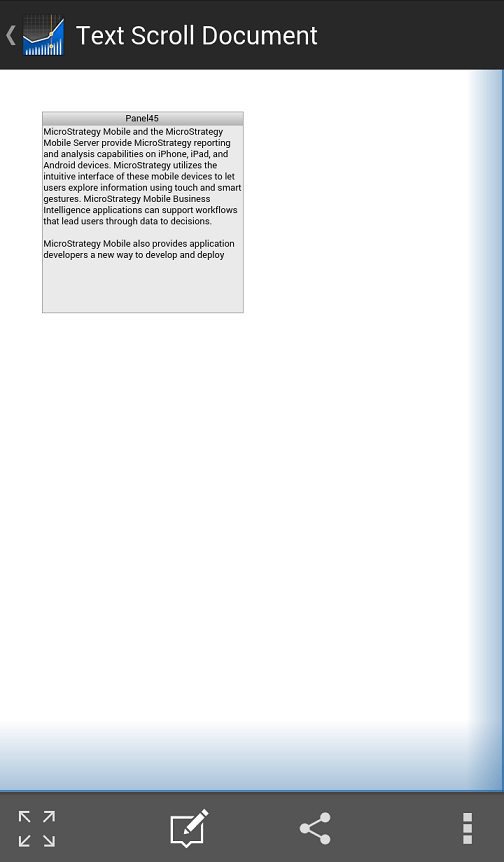
When viewing the document in Strategy Web Flash mode, the text is able to be scrolled.
STEPS TO REPRODUCE:
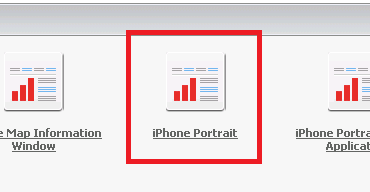
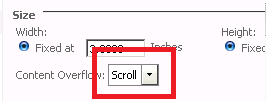
Follow these instructions to reproduce the issue in the Strategy Tutorial project.



CAUSE:
This is a known issue with Strategy Mobile 9.3.1 Android App where users cannot scroll on a text box.
ACTION:
This issue has been addressed in Strategy Mobile Android Update 1. Upgrade to this version or above to take advantage of this fix.
WORKAROUND:
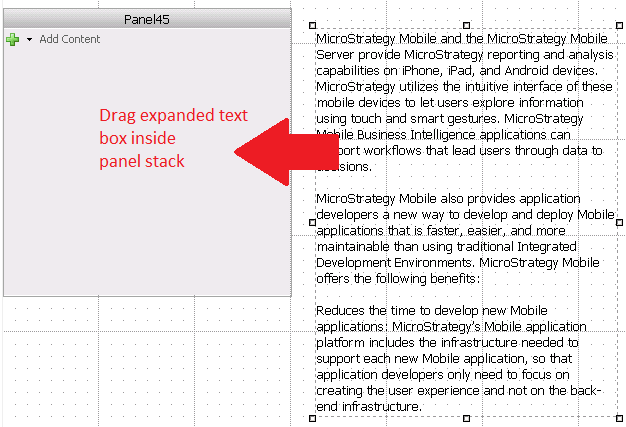
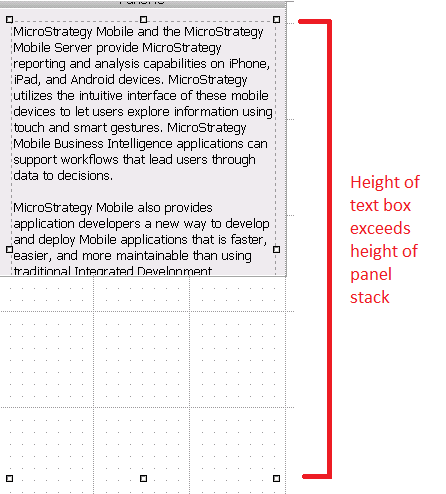
The bottom of the panel stack will cover the text box.
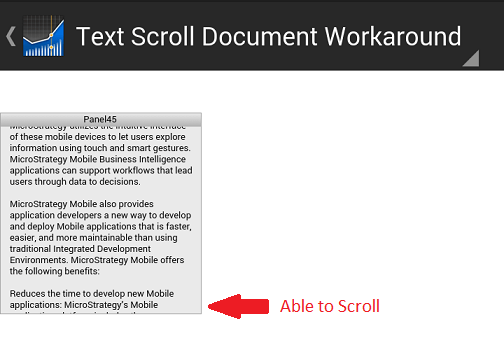
This will allow scrolling in the Android phone.
ADDITIONAL TROUBLESHOOTING:
If the steps above do not resolve the issue, please consider calling Strategy tech support with the following information of troubleshooting already done:
TO LEARN MORE:
Related knowledge base articles:
KB37010: Not able to scroll vertically in a layout that is vertically larger than the iPhone screen size when using Strategy Mobile 9.2.1 iPhone app
