SUMMARY
This Technical Note describes a situation where user is unable to delete a folder, in Strategy Developer, due to dependencies of the objects in the folder, and provides an easy way to find these objects.
SYMPTOM:
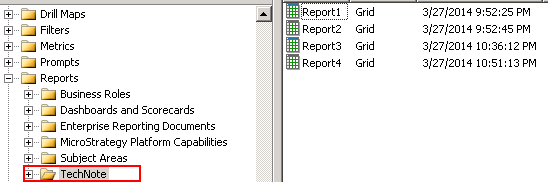
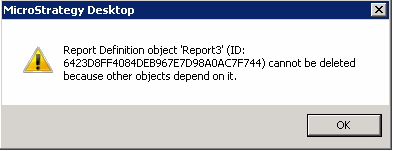
In Strategy Developer a user wants to delete folder called 'TechNote' containing four reports. Report1 and Report2 have no dependencies, but Report3 and Report4 are used within filters in another location. Right-click and delete 'TechNote' folder.
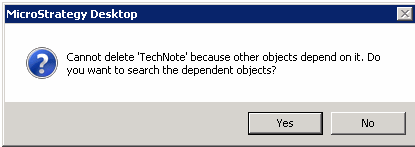
Cannot delete 'xxxxxxx' because other objects depend on it. Do you want to search the dependent objects?
Choosing 'Yes' and searching the dependent objects, the user will see the actual folder's dependents, so this wouldn't help identify where exactly the dependency is that's hindering the deletion. One way to identify the report not allowing the folder deletion is to check the DSSErrors log. The other object is running 'DELETE FOLDER' Command Manager outline. There is an easier way to identify the dependent objects directly in Developer.
WORKAROUND:
To see which object is dependent from Developer, there is an easy workaround: