In Strategy Developer, the option "Save Report Services document dataset messages to History List" option is available in Project Configuration > Project Definition > History List, as shown below.
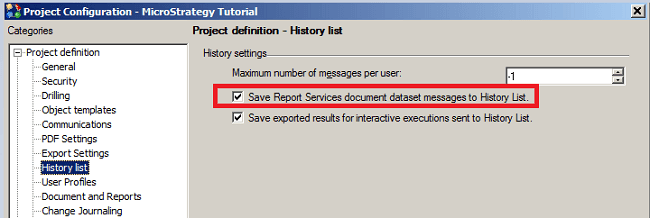
When this option is checked, when the document is sent to History List, the datasets are sent to History List together and appear in the screen. However, checking this option only allows saving the document dataset messages to History List, not the dataset report instances. So saving the dataset messages is for display usage only, to tell the execution time, report name, and error message if execution fails. Users cannot retrieve the results of datasets.
