SYMPTOM:
In this scenario a user has a dashboard with a grid. When they right-click and go to Properties > Grid > Grid Overflow (PDF and Excel), the default option available is Clip. If that setting is changed from Clip to Fit to Grid Contents, the change is undone after hitting the OK button.
Below is an example outlining this behavior in Strategy Developer 9.4.1.
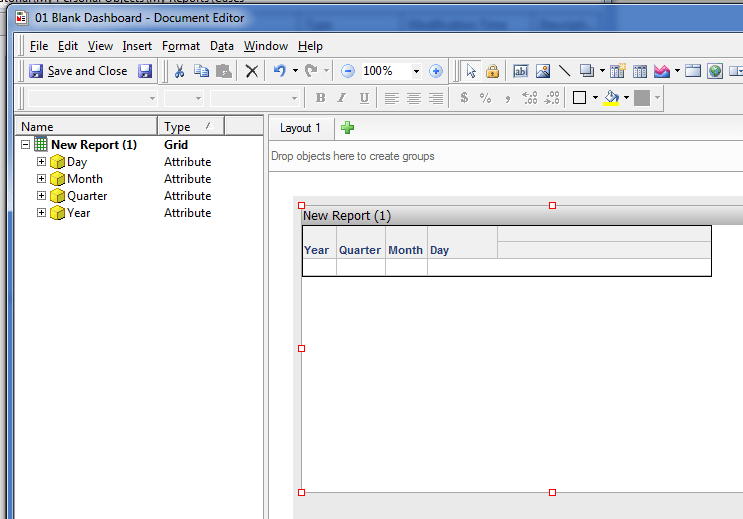
After right-clicking on the grid and going to Properties > Grid > Grid Overflow (PDF and Excel), the default option is Clip, as shown below.
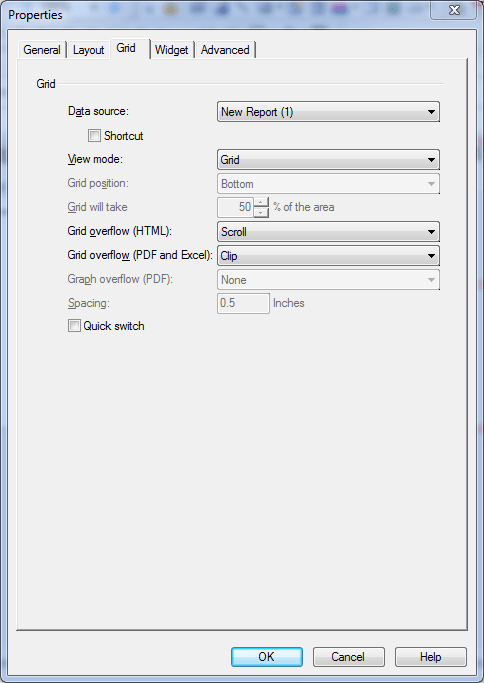
Change Clip to the second option, Fit to Grid Contents, as shown below.

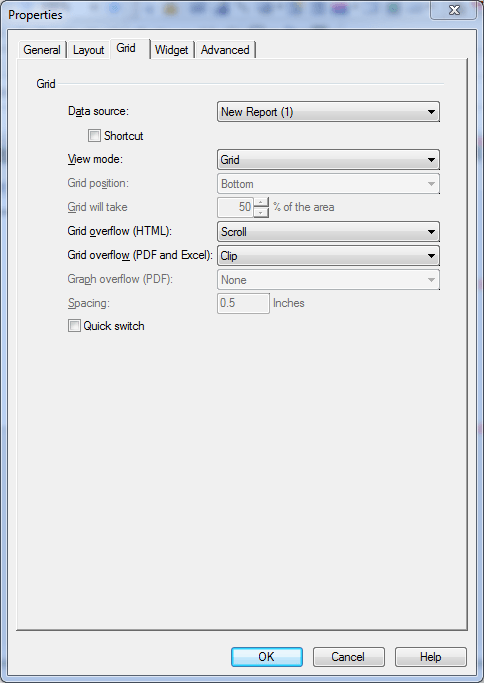
After that is selected, hit OK and reopen Properties > Grid. The Grid Overflow setting has reverted back to Clip.
CAUSE:
This is a known issue in Strategy Developer 9.4.1.
ACTION:
Contact Strategy Technical Support for updates on this issue.
WORKAROUND:
Clear the "Show Title Bar" check box in the General tab of the Properties window for that grid.

