Data Blending - Formerly known as Cube Joining
In Strategy Analytics Enterprise Web 9.4.1 and above, the new Report Services Documents Engine automatically links common attributes using the modeled schema whenever possible. The manual linking is not allowed between different modeled attributes. Just in case the requirement need to link different attributes, this can be done by using the Strategy Architect at the schema level. The join behavior by default for linking related attributes is done using a full outer join. In case there is no relationship between the attributes, then a cross join is used.
The manual attribute linking can be done as shown in the images below:

2. Browse the file to match the existing data and select continue:
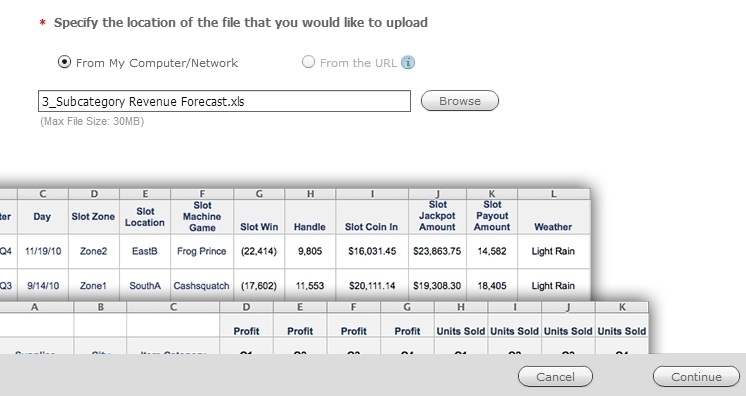
3. Set the attribute forms if need, Strategy will automatically assign the detected ones:

4. The attributes can be mapped manually by selecting “Link to Project Attribute”

5. Select the attribute form that matches the desired join:

6. The attribute should appear similar to the ones existing in the schema as shown
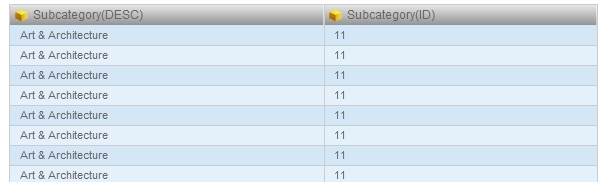
7. Save the recently created dataset:
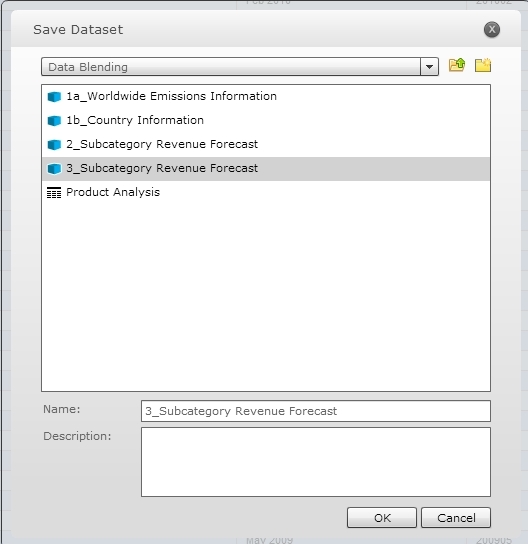
8. Now there are two cubes used as datasets in the same Visual Insight dashboard, as shown:

Automatic Linking -The attributes icons have a blue link, as shown below. This indicates that Strategy has automatically linked them to elements in the Information dataset.

