SYMPTOM:
When creating a Dashboard (Visual Insight) based off a report whose font has been customized, the Dashboard will display the font accordingly as shown below:
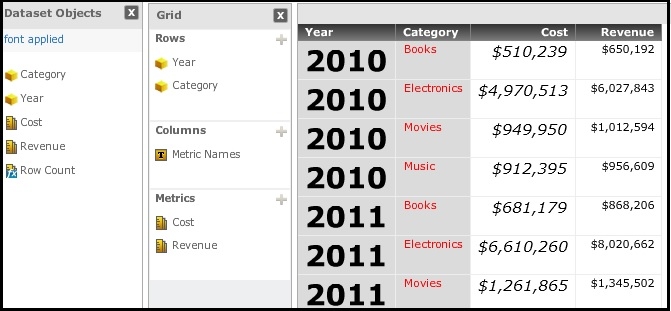
However, when creating a dashboard from an imported data (Intelligent Cube), there is no function to change the font.
STEPS TO REPRODUCE:
1. Take the following steps to create a dashboard from an imported data
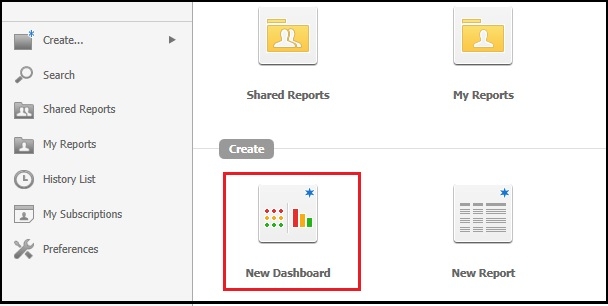
2. Click the “New Dashboard” icon
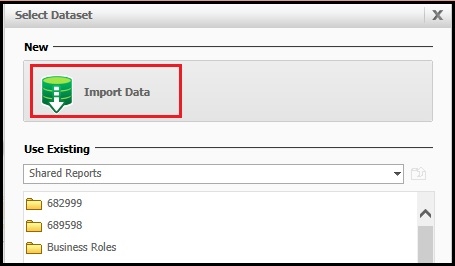
3. Click the “Import Data” and choose an appropriate source.
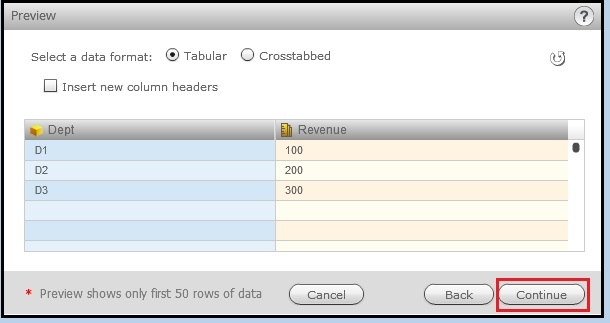
4. Define attributes and metrics and click the “continue” button to create an Intelligent Cube.
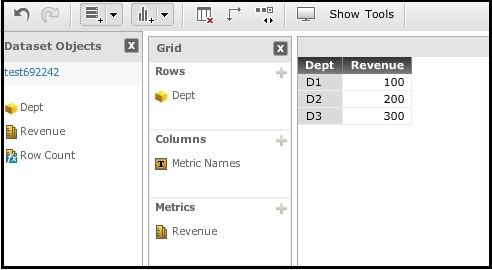
5. Dashboard will be displayed, but the fonts cannot be changed from this interface.
CAUSE:
This is a current limitation of Strategy Dashboard (Data import). The fonts cannot be modified in the Dashboard interface or Data Import wrangle.
WORKAROUND:
Import data and save as a cube, create a report from the cube and then change the data font of the report.
Then create a Dashboard from this report whose fonts have been modified as you wish.
