SYMPTOM:
After installing the Strategy Excel Data Preparation Tool 1.0, the following error message is received when opening the Microsoft Excel:

'C:\Users\User\AppData\Roaming\Microsoft\suplementos\Express.xlam ' could not be found. Check the spelling of the file name, and verify that the file location is correct. If you are trying to open the file from your list of most recently used files on the File menu, make sure that the file has not been renamed, moved, or deleted.
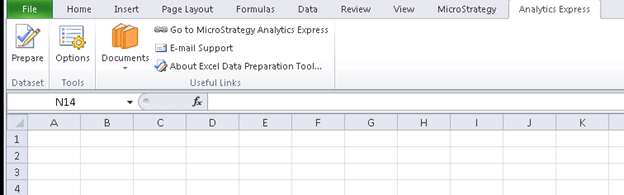
NOTES:
For further information about Strategy Excel Data Preparation Tool visit:
