SYMPTOM:
When attempting to configure the Intelligence Server through the Configuration Wizard, users may see the following error message displayed in Strategy 9.4.1 and above
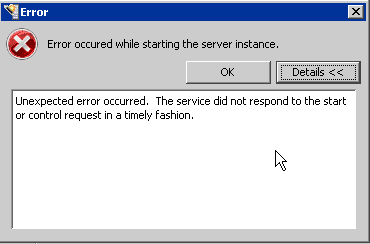
Unexpected error occurred. The service did not respond to the start or control request in a timely fashion.

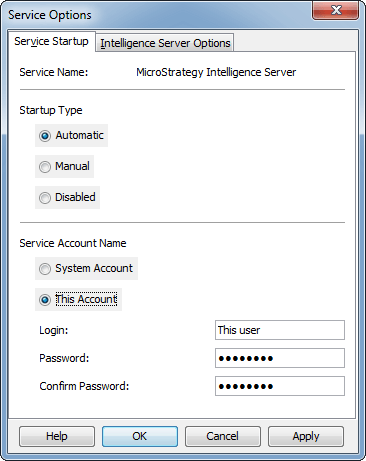
ACTION:
Change the Service Account Name in the Service Manager to match the user running the MSTRSvr2_64 process in the Windows Task Manager. This will require an Intelligence Server restart.
