After updating the Strategy Mobile 9.4.1 iOS application to the update 3 version, users are no longer able to use the finger swipe gesture to switch between different layouts of a document.
CAUSE:
This is working by design. In Strategy Mobile 9.4.1 iOS update 3, the swiping gesture was removed and replaced with a dropdown. This design change brings about two benefits: it allows the user to navigate to layouts that are not adjacent to each other, and is easier to distinguish a layout change from a panel change, which will remain using the swipe gesture.
ACTION:
If in full-screen mode, tap on the top right triangle button to show the document toolbar, as seen below.
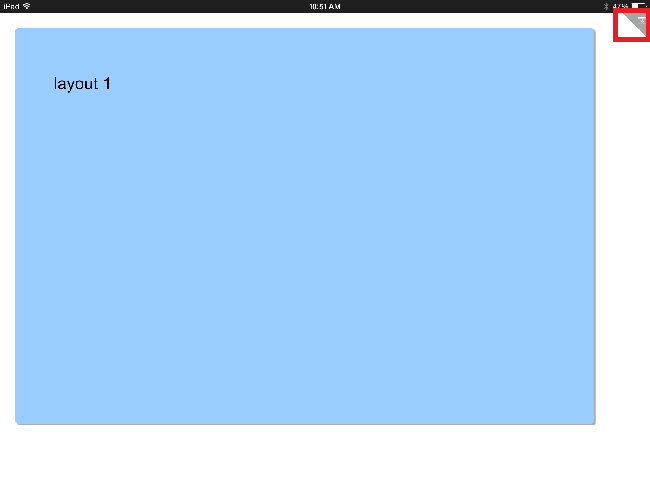
Once the document toolbar appears, tap on the Layout dropdown to display the list of layouts, like shown below, and select the desired layout.

WORKAROUND:
A SDK workaround is available for customers who would like to enable the swipe to change layout for document on mobile devices.
Refer KB47189: How to Re-Enable Swipe to Change Layouts for Documents on Mobile Devices using the MicroStrategy Mobile SDK 9.4.1 iOS Update 3 for more information.
KB000009531
