SYMPTOM
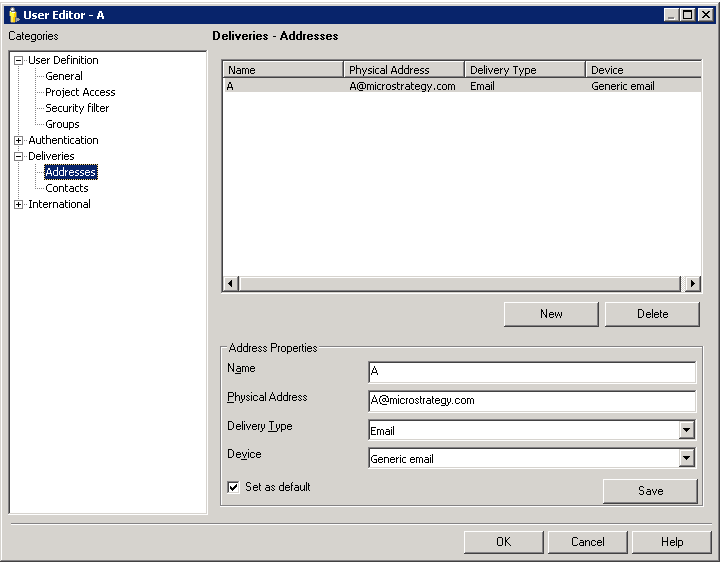
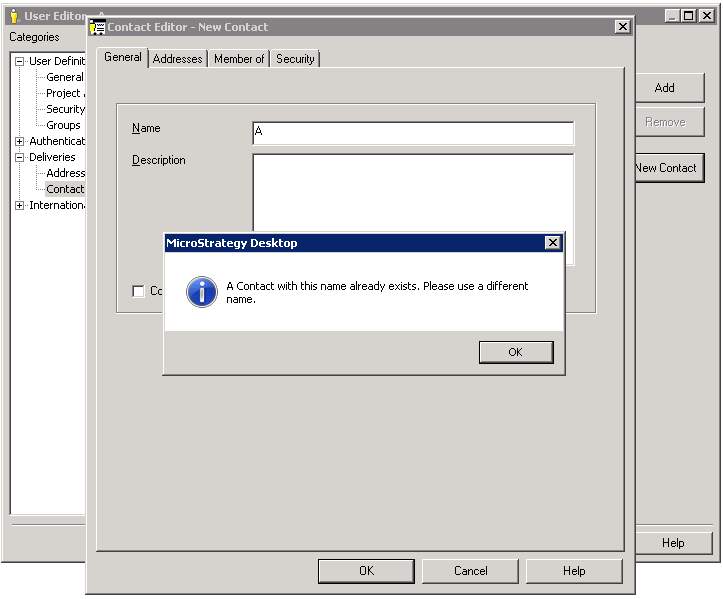
When creating a contact to link to a Strategy user, using the same name as an address the user already has, the message "A Contact with this name already exists. Please use a different name." appears, as below. And the contact cannot be created.

A Contact with this name already exists. Please use a different name.

CAUSE
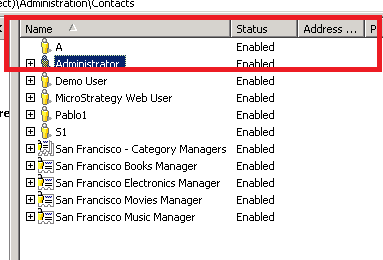
With the above steps, a Contact with the same name as the user name will be created which is the user's default contact. This default Contact will show in the Contacts manager with an icon of the User. If the address is deleted by editing the user, or by deleting the Contact in the Contacts manager, the user icon still exists in the Contacts manager. Therefore it is not possible to create a stand alone contact with the same name
ACTION
Create a new contact with a different name from the user.
