SYMPTOM:
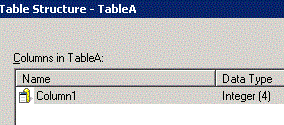
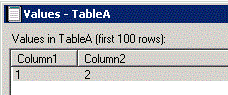
The ‘Show Sample Data’ option returns data for table structure different from the one saved in Warehouse Catalog in Strategy Developer 9.x
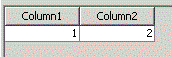
The following steps demonstrate how to reproduce this issue in Strategy Tutorial project:
CAUSE:
This is working as designed. When users click "Show sample data" for one table in Warehouse Catalog, Strategy will retrieve data for all columns by executing script below against warehouse:
Select * from TableA;
So, all the columns will display in the view.
ACTION:
Update table structure to get the latest structure in warehouse.
