STEPS:
Follow the steps below to create a prompt of Attribute Element List based on a date attribute to select multiple elements using the Calendar layout in Strategy Mobile App 9.x:
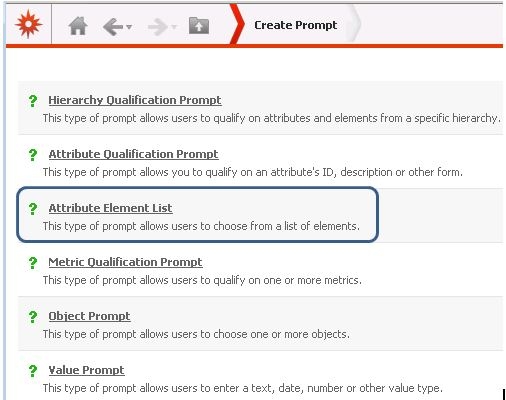
1 - In Strategy Web create a new Attribute Element List prompt:
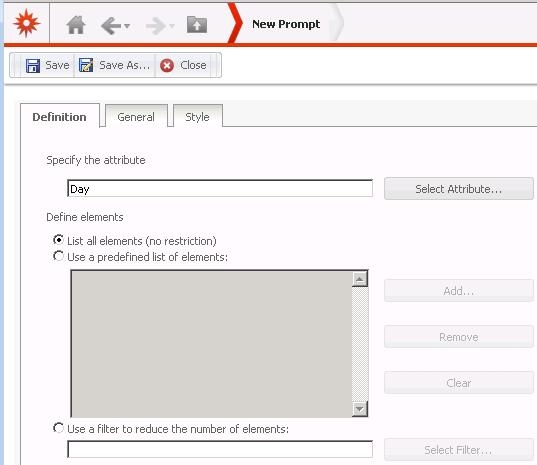
2 - Select a Data attribute:
3 - In the Style tab, select the Calendar style, as shown:

NOTE:
This prompt style can be selected only in Strategy Web but it is possible to edit in Strategy Web existing prompts of Attribute Element List created from Desktop and select this prompt style.
