SYMPTOM
When attempting to connect to a project source in Strategy Developer 9.4.x, users see the following error message:
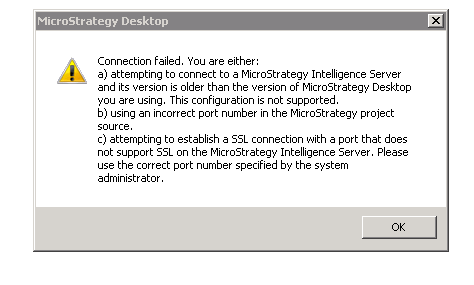
Connection failed. You are either:
a) attempting to connect to a Strategy Intelligence Server and its version is older than the version of Strategy Desktop you are using. This configuration is not supported.
b) using an incorrect port number in the Strategy project source.
c) attempting to establish a SSL connection with a port that dos not support SSL on the Strategy Intelligence SErver. Please use the correct port number specified by the system administrator.
CAUSE
A possible cause for this error is that the Strategy Intelligence Server process is unresponsive.
ACTION
To resolve the issue with connectivity, restart Strategy Intelligence Server. To troubleshoot why the Strategy Intelligence Server process is unresponsive, refer to the following Strategy Knowledge Base documents:
