SYMPTOM:
Upon closingStrategy Developer 9.4.x, the error message below appears:
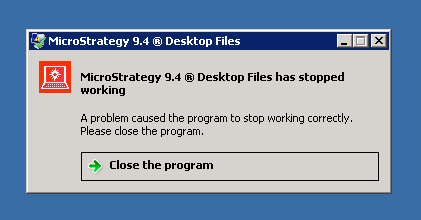
Strategy 9.4 Desktop Files has stopped working
A problem caused the program to stop working correctly.
Please close the program.
Close the program
CAUSE:
This is a known issue in Strategy Developer 9.4.x running on Windows 64-bit.
ACTION:
Just after applying the solution described in the Strategy technical note above, register both DLL's from the Command Prompt console launched as administrator, i.e:
%systemroot%\SysWoW64\regsvr32 <Dll full path for 64 bits copy>
%systemroot%\system32\regsvr32 <Dll full path for 32 bits copy>
WARNING:
Modifying registry values incorrectly may cause serious, system-wide problems that may require the re-installation of Microsoft Windows. Any edit of the registry is done at the user's own risk. Since these are user-initiated changes, they are not covered by any Strategy warranty. If using Microsoft Windows, the user should backup the registry and/ or update an Emergency Repair Disk prior to alterations.
