Beginning with the 9.4.1 Update 3 Strategy Mobile app for iOS, documents and reports with hierarchy prompts can now be executed.
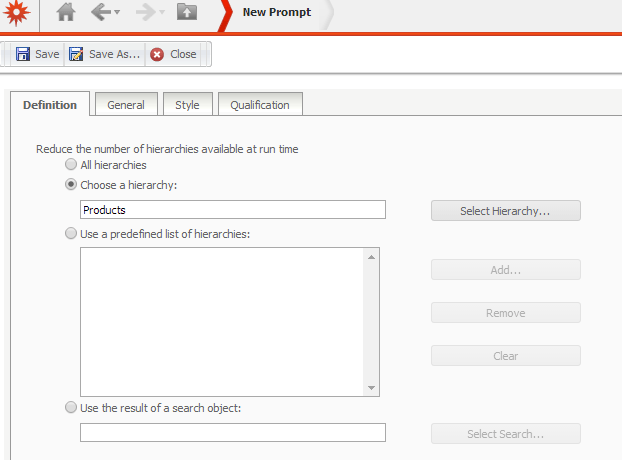
1. From Web, create a new Hierarchy Qualification Prompt

2. Select the Products Hierarchy and save the prompt.
3. Create a new report with any attributes and metrics and add the Hierarchy prompt to it.
4. Save and close the report
5. Run it from your iPad. Now the prompt will be rendered as follows:


6. Select any attribute and run the report.
