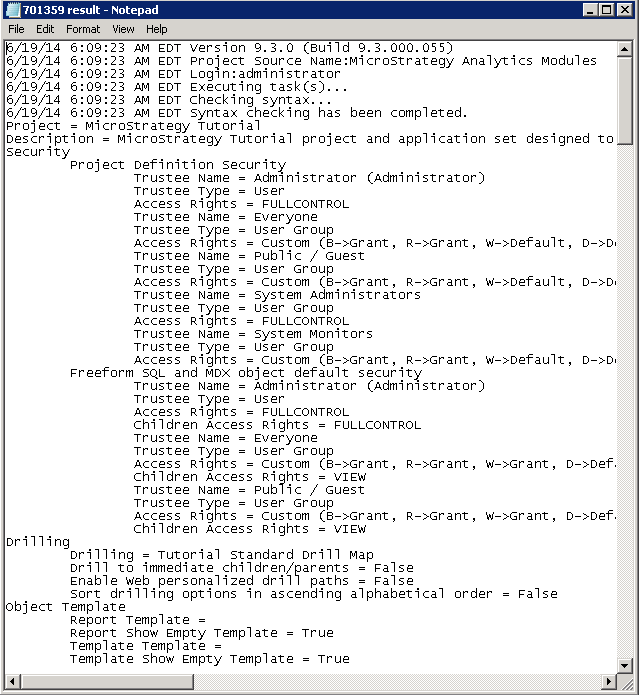
In some business scenarios, it is required to export the current Project Configuration Settings as a backup file. And the file needs to be clear and readable. This tech note shares two methods to accomplish this.
SOLUTION 1:
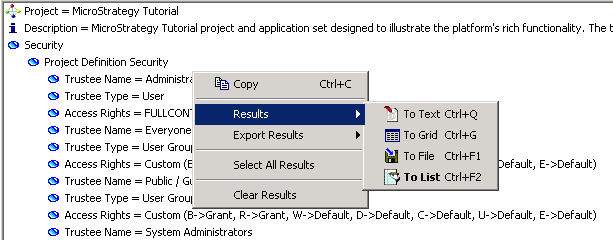
Take Strategy Tutorial Project for example, Command Manager can be used to get the settings.
LIST ALL PROPERTIES FOR PROJECT CONFIGURATION IN PROJECT "Strategy Tutorial";
SOLUTION 2:
cmdmgr -n "<Project Source Name>" -u <Login> -p "<Password>" -f "<the location of the script file>" -or "<output file name>.txt"
cmdmgr -n "Strategy Analytics Modules" -u administrator -p "" -f "C:\Program Files (x86)\MicroStrategy\Command manager\list_project_configuration.scp" -or "result.txt"