SYMPTOM:
When user tries to export to pdf a ring pie chart graph using Strategy Developer or Web the formatting of the graph is lost
STEPS TO REPRODUCE:
1. Create a simple report with one attribute and one metric, as in the example below:

2. Go to Web and create new document using the above report as a dataset, as is shown in the following screenshot:

3. Insert pie graph, place the attribute in series and metric in categories, as in the example:

4. Run the document in Interactive Mode.
5. Right click on the graph and go to Format.
6. Set the Graph Sub-type to Ring pie, as you can see below:

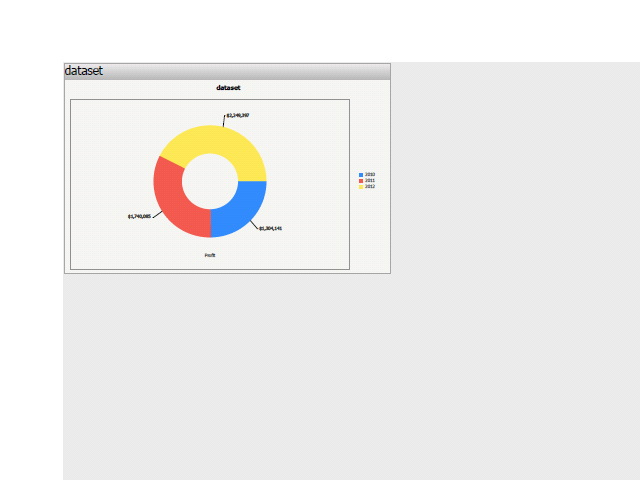
7. Apply the changes and the graph should looks like on the following image:

8. Go back to Editable Mode and export to PDF. In the exported document the graph looks like in the following screenshot:
CAUSE:
This is a known issue.
ACTION:
Strategy will continue to investigate and post updates as soon as they are available.
