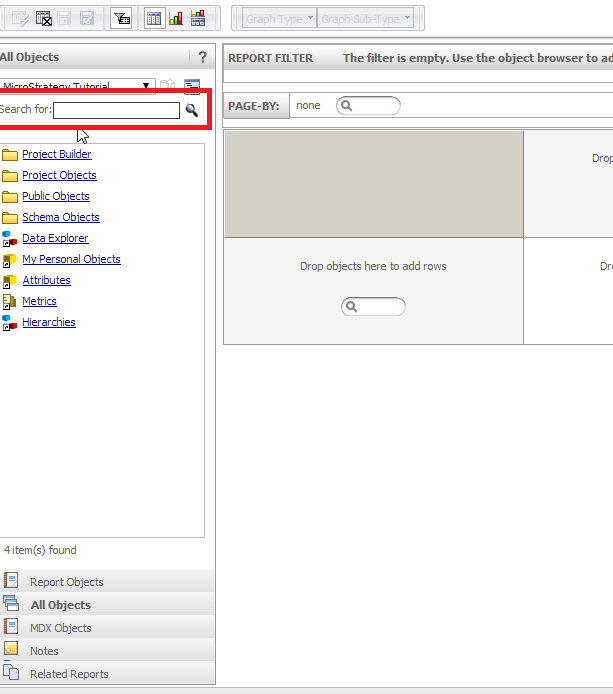
Sometimes it is required to limit the folders where a user can search for an object when using the search tool under Report Objects panel.

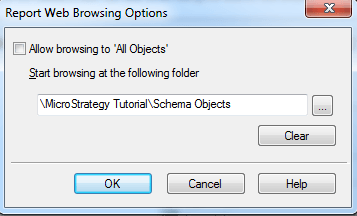
4. Select "All objects" checkbox if the user should be able to search in all folders from the project
5. Select the parent folder where the search should start
6. Open the report in design mode using Strategy Web and make sure the changes have affected the search tool
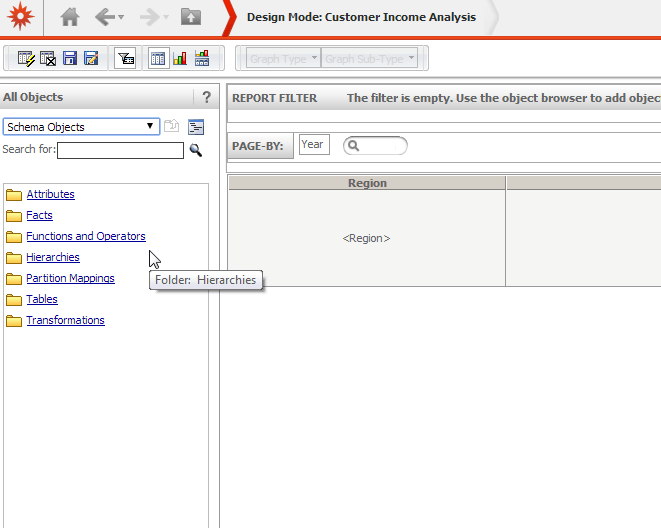
As shown in the screenshot above, the search starts in Schema objects, and the user can't go a level up in the folder tree because "All objects" checkbox was left unchecked in step 5
