SYMPTOM:
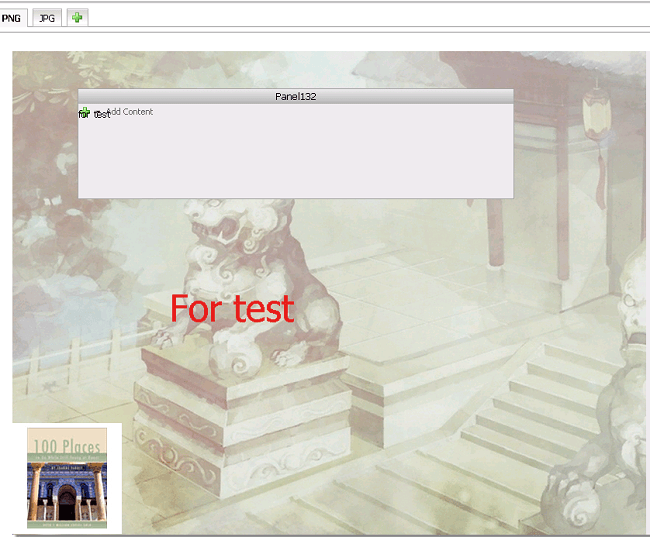
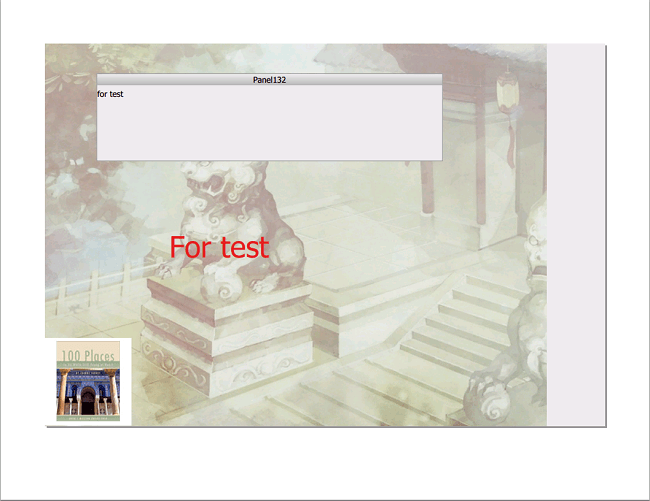
In report service documents, users may use an image as the background and put some texts, panel stacks and smaller images on top of that image. The document works fine when it is executed on Strategy Web, or exported to PDF, as shown below.
Executed on Web
Exported to PDF
However, when being exported to Excel 2007 and 2010, the background image overlays all other contents, as shown below.

CAUSE:
This issue is due to Microsoft Excel's limitation. Excel does not support to put different objects into the same cell, so when overlapping objects get exported to Excel, some covers the others.
WORKAROUND:
Option 1: Do not use overlapping objects in documents to be exported as Excel
Option 2: Export documents to PDF instead of Excel.
Third Party Software Installation WARNING
The third-party product(s) discussed in this technical note is manufactured by vendors independent of Strategy. Strategy makes no warranty, express, implied or otherwise, regarding this product, including its performance or reliability.
