EducationSoftwareStrategy.com
StrategyCommunity

Knowledge Base

Product

Community

Knowledge Base

TopicsBrowse ArticlesDeveloper Zone

Product

Download SoftwareProduct DocumentationSecurity Hub

Education

Tutorial VideosSolution GalleryEducation courses

Community

GuidelinesGrandmastersEvents
x_social-icon_white.svglinkedin_social-icon_white.svg
Strategy logoCommunity

© Strategy Inc. All Rights Reserved.

LegalTerms of UsePrivacy Policy
  1. Home
  2. Topics

KB47693: Images from HTML tags in a grid do not display in multi-layout document in MicroStrategy Mobile 9.4.1 after navigating to other layouts and back.


Community Admin

• Strategy


When running a multi-layout document from MicroStrategy Mobile 9.4.1, users will notice that the html tag image no longer displays after navigating to a different layout and then back to the original layout.

SYMPTOM:
In Strategy Web 9.4.1, users can create a multi-layout document. Each layout can be designed with different objects, such as a grid with an attribute that contains an HTML tag form to display images. When running a multi-layout document from Strategy Mobile 9.4.1, users will notice that the html tag image form displays correctly, as shown below:
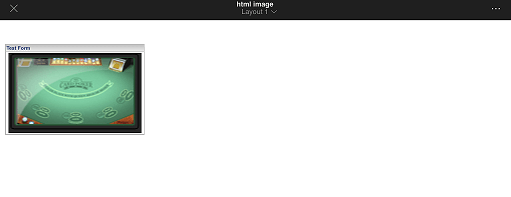
 

ka04W000000Ode7QAC_0EM440000002A3f.png

However, after navigating to a different layout and then back to the original layout, the images will no longer display, as shown below.
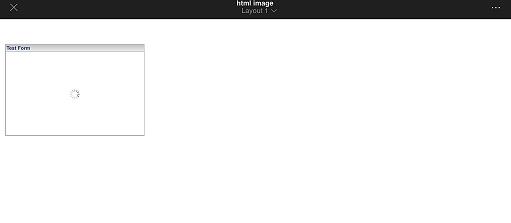
 

ka04W000000Ode7QAC_0EM440000002A3a.png

STEPS TO REPRODUCE:
Follow these steps to reproduce the issue in a Strategy Tutorial Project.

  1. Define a dataset with an attribute, using HTML tag data format. This step can be performed using Data Import.
  2. Create a new document iPad Landscape.
  3. Insert the dataset created in step 1 into the document.
  4. Insert a new blank layout in the document. This will be the second layout. 
  5. Run the newly created document in the Strategy Mobile 9.4.1 App.
  6. The image in the grid displays as expected.
  7. Navigate to layout 2.
  8. Navigate back to layout 1 and notice the image does not display anymore.

CAUSE:
This is a known issue in Strategy Mobile 9.4.1.
 
ACTION:
This issue has been addressed in Strategy Mobile 9.4.1 Update 4. Upgrade to this version or later to take advantage of this fix.


Comment

0 comments

Details

Knowledge Article

Published:

April 7, 2017

Last Updated:

April 7, 2017