SYMPTOM:
When trying to export a report contained in a Strategy HTML document either to "Excel with formatting" or "Excel with plain text" in Strategy Web 9.4.1, the following error message is generated:

The Web Server encountered an unknown runtime error.
Error in report results

3. Create a new table from Table > Create.
4. Drag and drop the previously created report into a cell of the table from the object browser.
5. In the HTML Document Content pane, right mouse click on the report > Report XSL > Choose
6. Select the following XSL file: "C:\Program Files (x86)\MicroStrategy\Desktop\XSLs\Default.xsl". At this point, the HTML Document should appear similar to the following:

7. Save and close the HTML document.
8. Open the document in Strategy Web.
8. Click on the link below the report (it has the name of the report). The report will open in the same window.
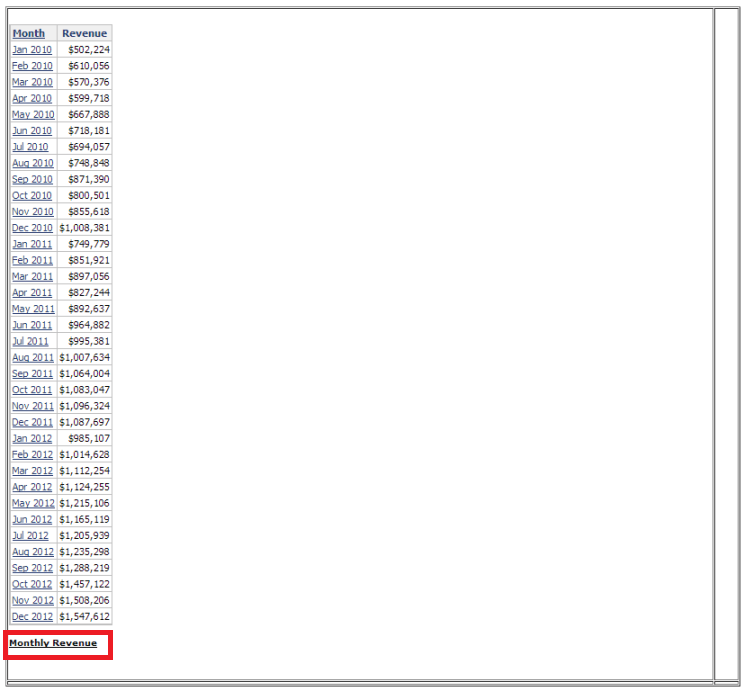
9. Export the report either to "Excel with formatting" or "Excel with plain text". The runtime error is generated.
CAUSE:
This is a known issue in Strategy Web 9.4.1.
ACTION:
Contact Strategy Technical Support for an update on the status of this issue.
The Strategy Internal Reference Number for the issue discussed in this technical note is 912912.
