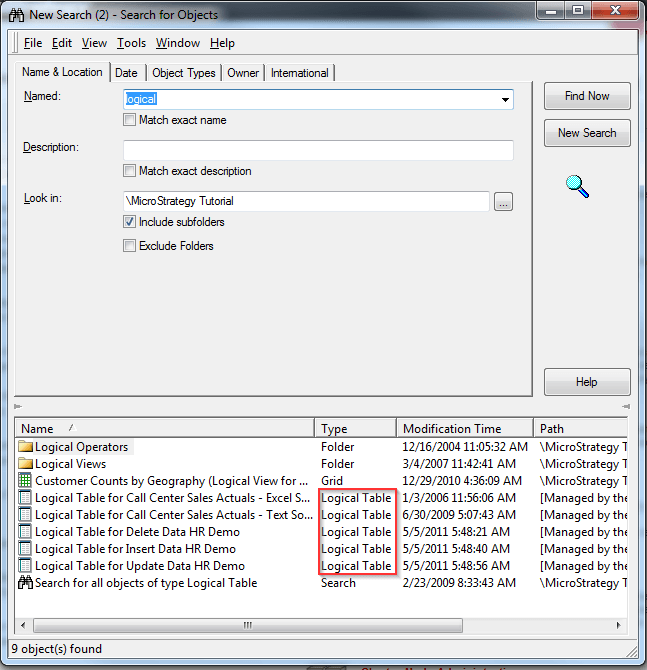
The following procedure describes how to search for managed Logical Tables used for objects such as Freeform SQL reports in Strategy Developer 10.x
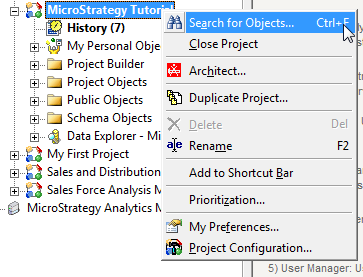
Step 1. Right click on the project and click on "Search for Objects..."
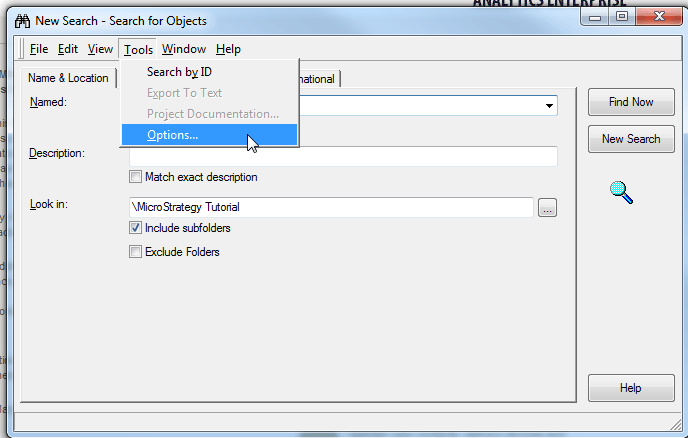
Step 2. From the search for objects window, go to Tools>Options...
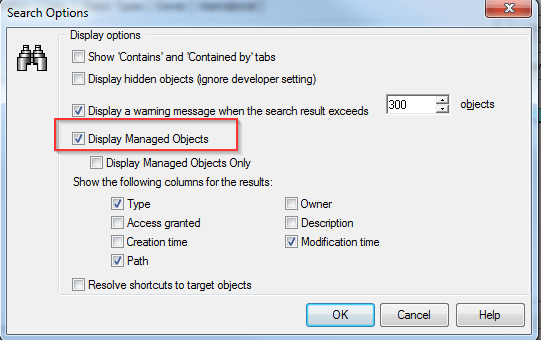
Step 3. Select "Display Managed Objects", click OK.
Step 4. type in the name of the logical table in the "Named" box and click "Find Now". It will now show logincal tables.