SYMPTOM:
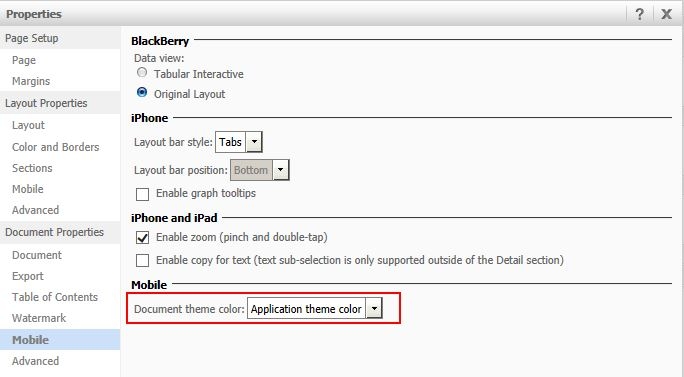
In Strategy Web 9.4.1 HF3, a new feature was introduced that allows users to change the theme of a document for Strategy Mobile for iOS 9.4.1 update 2 and above. However, in Strategy Web 9.4.1 HF3, users receive an error message when saving the document after changing the Document theme color, like shown below.
In Design Mode:
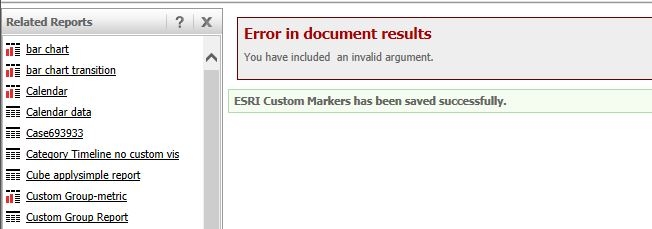
Error in document results
You have included an invalid argument
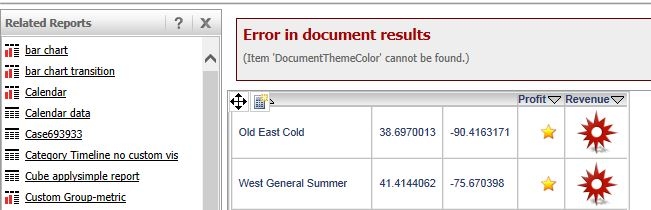
Error in document results
(Item 'DocumentThemeColor' cannot be found.)
CAUSE:
The document theme feature requires a metadata upgrade in order to take effect.
ACTION:
Upgrade the metadata to 9.4.1 HF3 in order to take advantage of this new feature.
To upgrade the MD, access the MDUpdateUtil.exe from the following location:
C:\Program Files (x86)\Common Files\Strategy

Note: This change applies to the entire application, it is not specific to a document.
