Starting with the release of Strategy ONE (March 2024), dossiers are also known as dashboards.
SYMPTOM:
When users upload mstr file in Web, error message as below appears.
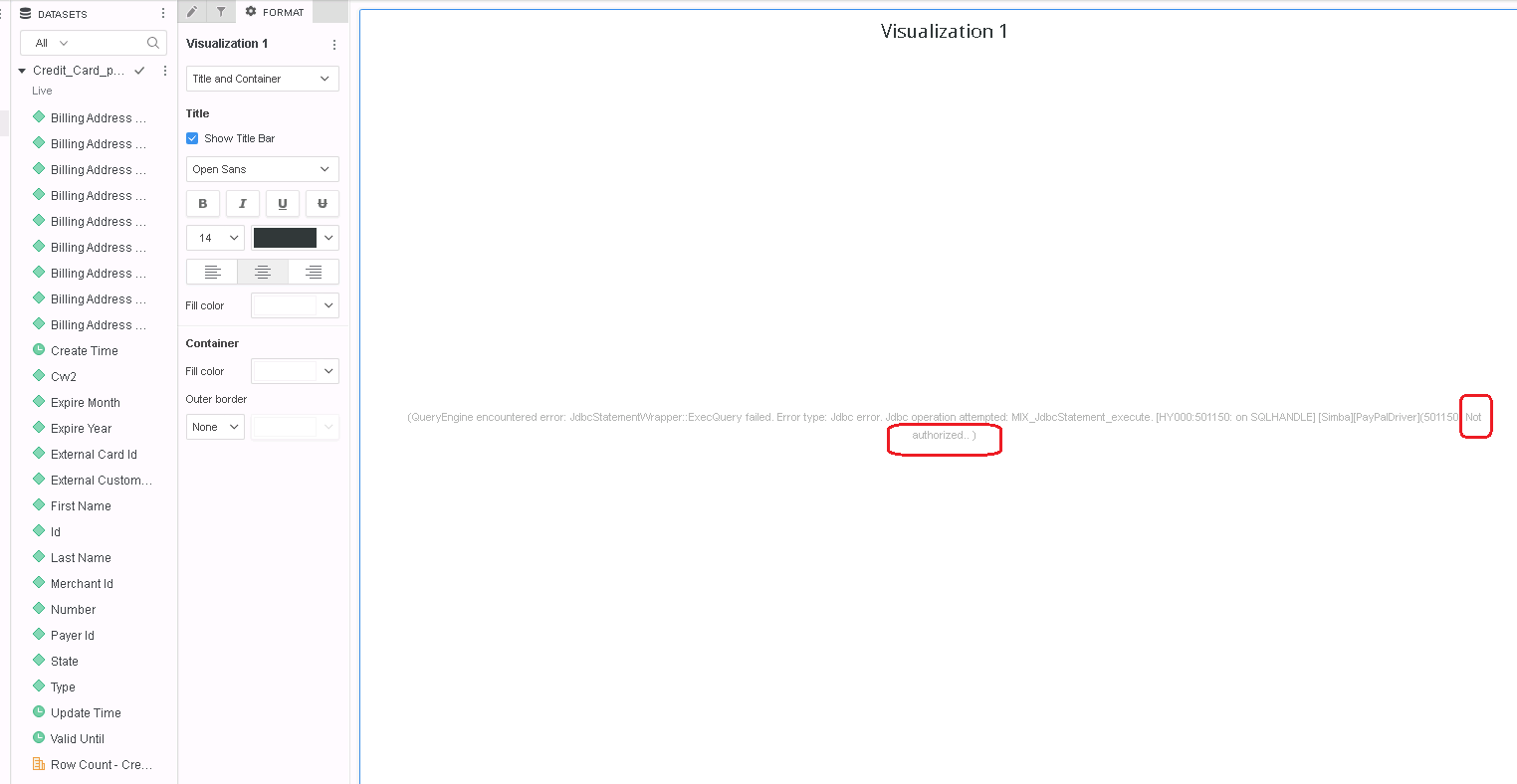
The error messages vary from different databases, such as Paypal is “Not authorized”,while Hive is “Permission denied”. Below is the list of databases with this issue.
CAUSE:
Usually "input credentials" windows is prompted as soon as the dossier opened if the dataset is "Live" mode or the datasets which are in "In-Memory" mode are republished.
While for sources which support Anonymous Connection like below can set up successful connection without secret information like "token", "password", etc. In such kind of circumstance, "input credentials" windows is not prompted.
But without credential, the privilege for querying data are denied, therefore leading to the failure of republishing dataset or getting the view of the data in a live dossier.
ACTION:
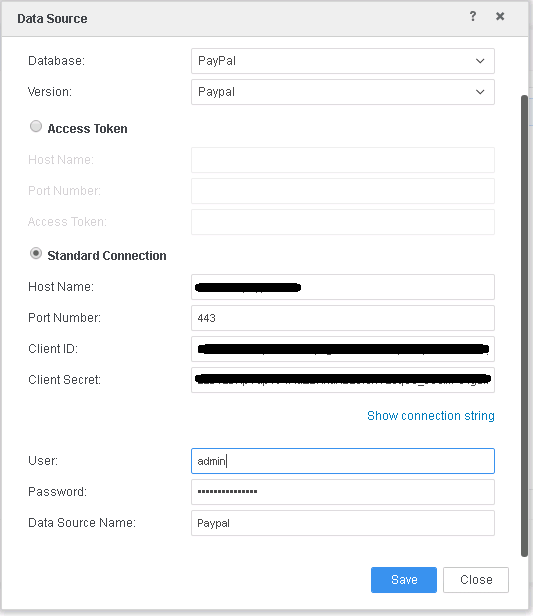
Edit the data source after importing mstr file. Fill the necessary credential as below.
KB482885
