When using an Identity provider such as Azure SSO with Strategy platform components which contain integrations with Microsoft products such as HyperIntelligence Outlook and Strategy Office, it may be necessary to forcibly remove any user session in order to start fresh.
This workflow, published as a Strategy internal only knowledge base article, covers the steps specific to Strategy's Identity Provider (IdP), Azure SSO.

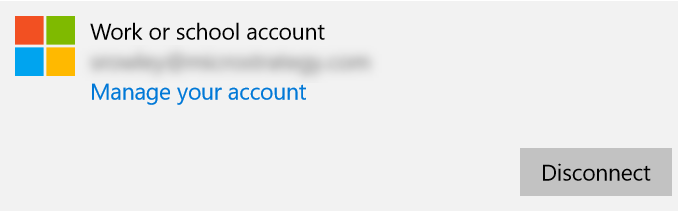


If after opening an Office 365 application on your windows desktop you are not prompted to login, you may need to relink your corporate account to your local user profile.
To do this:


