EducationSoftwareStrategy.com
StrategyCommunity

Knowledge Base

Product

Community

Knowledge Base

TopicsBrowse ArticlesDeveloper Zone

Product

Download SoftwareProduct DocumentationSecurity Hub

Education

Tutorial VideosSolution GalleryEducation courses

Community

GuidelinesGrandmastersEvents
x_social-icon_white.svglinkedin_social-icon_white.svg
Strategy logoCommunity

© Strategy Inc. All Rights Reserved.

LegalTerms of UsePrivacy Policy
  1. Home
  2. Topics

KB483558: MicroStrategy Badge Redirects to the Browser Instead of the 2019 Library App on an iPhone Using SAML Authentication


Mengran (Molly) Wang

Senior Cloud Support Engineer III • MicroStrategy


The article explains how to prevent MicroStrategy badge from redirecting to the browser instead of the Library app on an iPhone using SAML authentication.

Starting with the release of Strategy ONE (March 2024), dossiers are also known as dashboards.

Description

When using an iPhone, the Badge app redirects to the browser instead of the 2019 Library app.
Steps to Reproduce

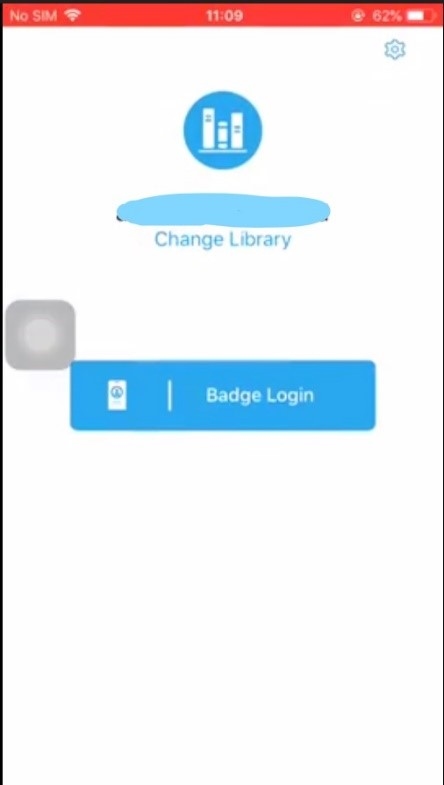
  • Open the Library app on your iPhone.
  • Tap Badge Login
ka0PW0000001JYgYAM_0EM2R000000lio0.jpeg
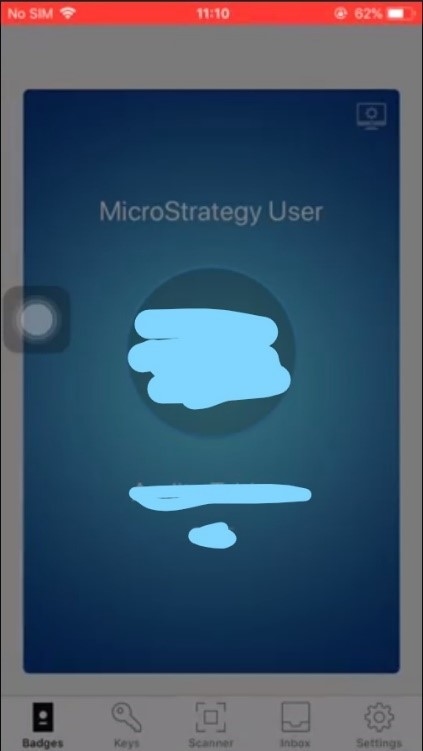
  • The Library app redirects to the Badge app.
ka0PW0000001JYgYAM_0EM2R000000lioU.jpeg
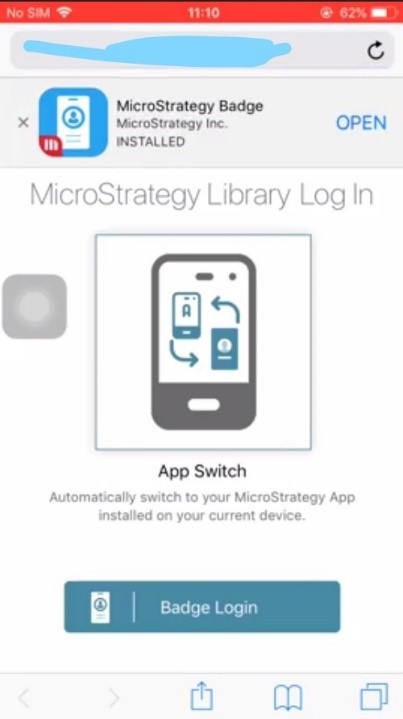
  • The Badge app is redirected to the Safari browser.
ka0PW0000001JYgYAM_0EM2R000000lioZ.jpeg
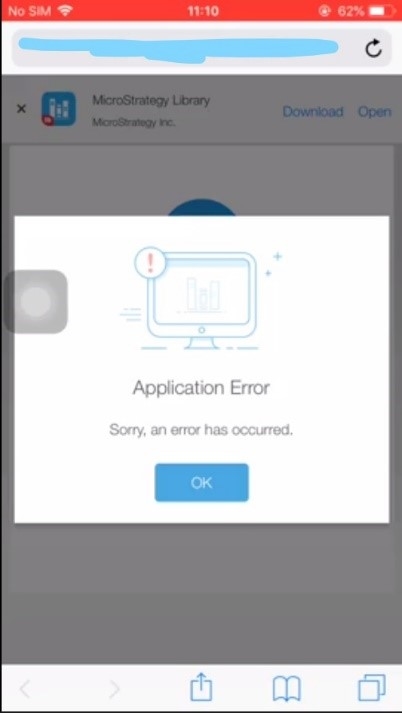
  • The browser opens the Identity Manager page and a login failure occurs.
ka0PW0000001JYgYAM_0EM2R000000lioe.jpeg

Solution

In Identity Manager, add a Bundle Identifier of com.Strategy.dossier.iphone and a Redirect URI of uniusherdossier:// on the Configure SAML Settings dialog.
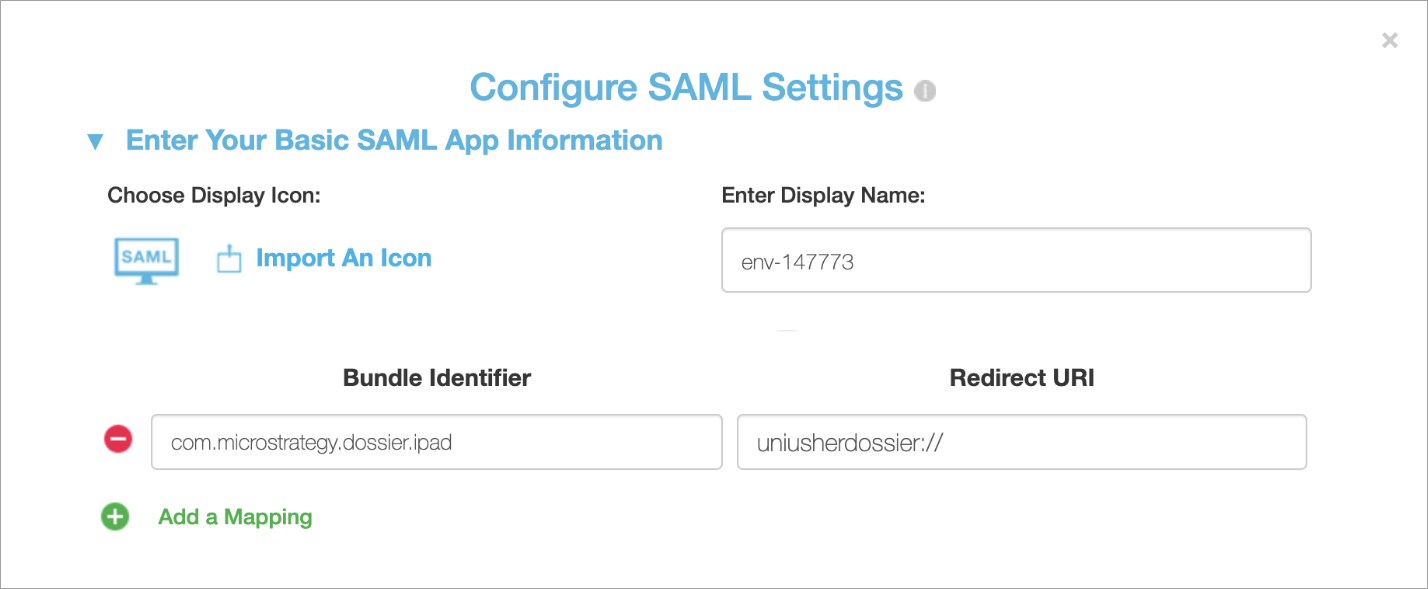
ka0PW0000001JYgYAM_0EM2R000000lioy.jpeg

Comment

0 comments

Details

Knowledge Article

Published:

August 21, 2019

Last Updated:

March 21, 2024