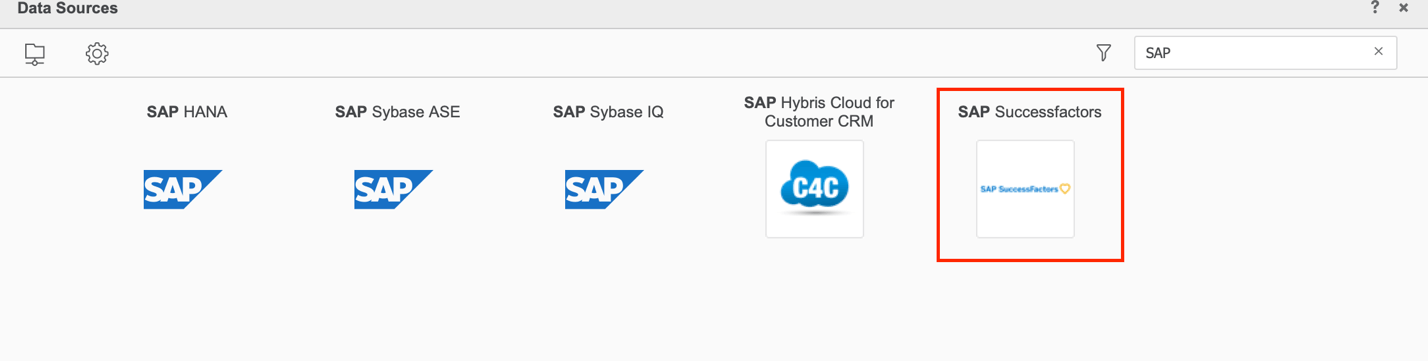
The following 17 data connectors were introduced in Strategy 2019 Update 1. However, you may not see these connectors on the Strategy Web import window if you've applied Update 1 or newer to your Strategy Platform environment.
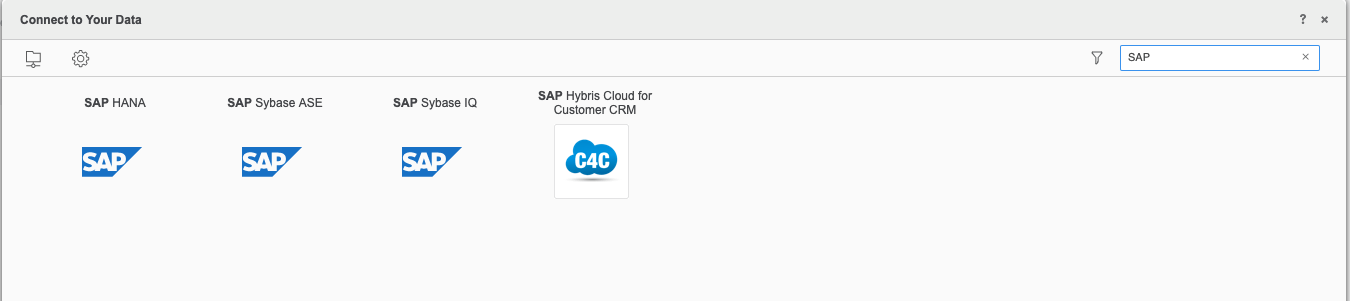
The reason the new connector is not appearing is because the new metadata objects from the update have not been added to your metadata. This is because a 2019 update installation does not update the metadata. As a result, the connectors do not appear.
To see the new connectors, you must upgrade the metadata in your 2019 environment. Updating the metadata ensure compatibility between your pre-existing objects and the Strategy clients.
For steps to upgrade your metadata, see Update the Metadata.
After upgrading your metadata, the connectors will appear.