You can customize the login elements.
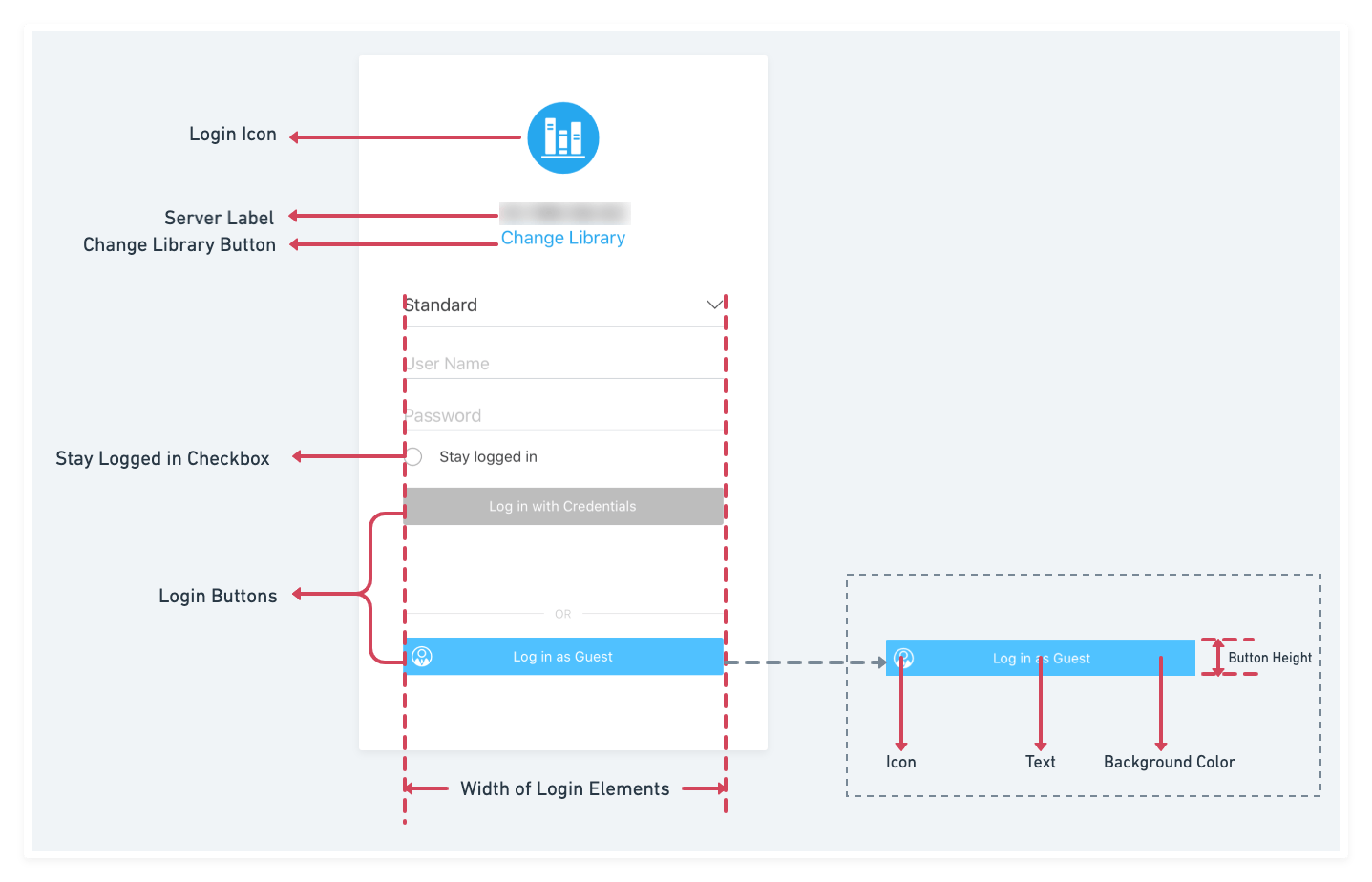
Download the Mobile Library SDK and open it in Xcode. Locate the customization .plist file in Strategy Library > Custom > MSIUICustomizationSettings.plist
In this demo, the theme color is set to #8F3A3A and the text color is set to #7F6637.

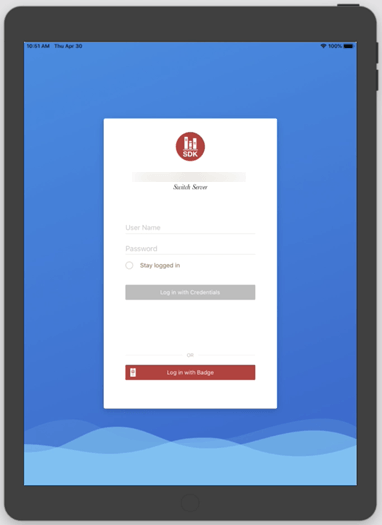
In this demo, the background image for an iPad is modified using the landscape.png image for landscape mode and portrait.png for portrait mode. Change the text font to Baskerville-Italic, the text color to black, and show the effect if the button is hidden.
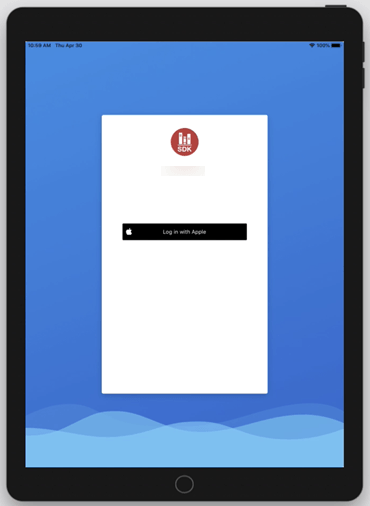
This demo shows how to change a normal button to the Apple Authentication button style.
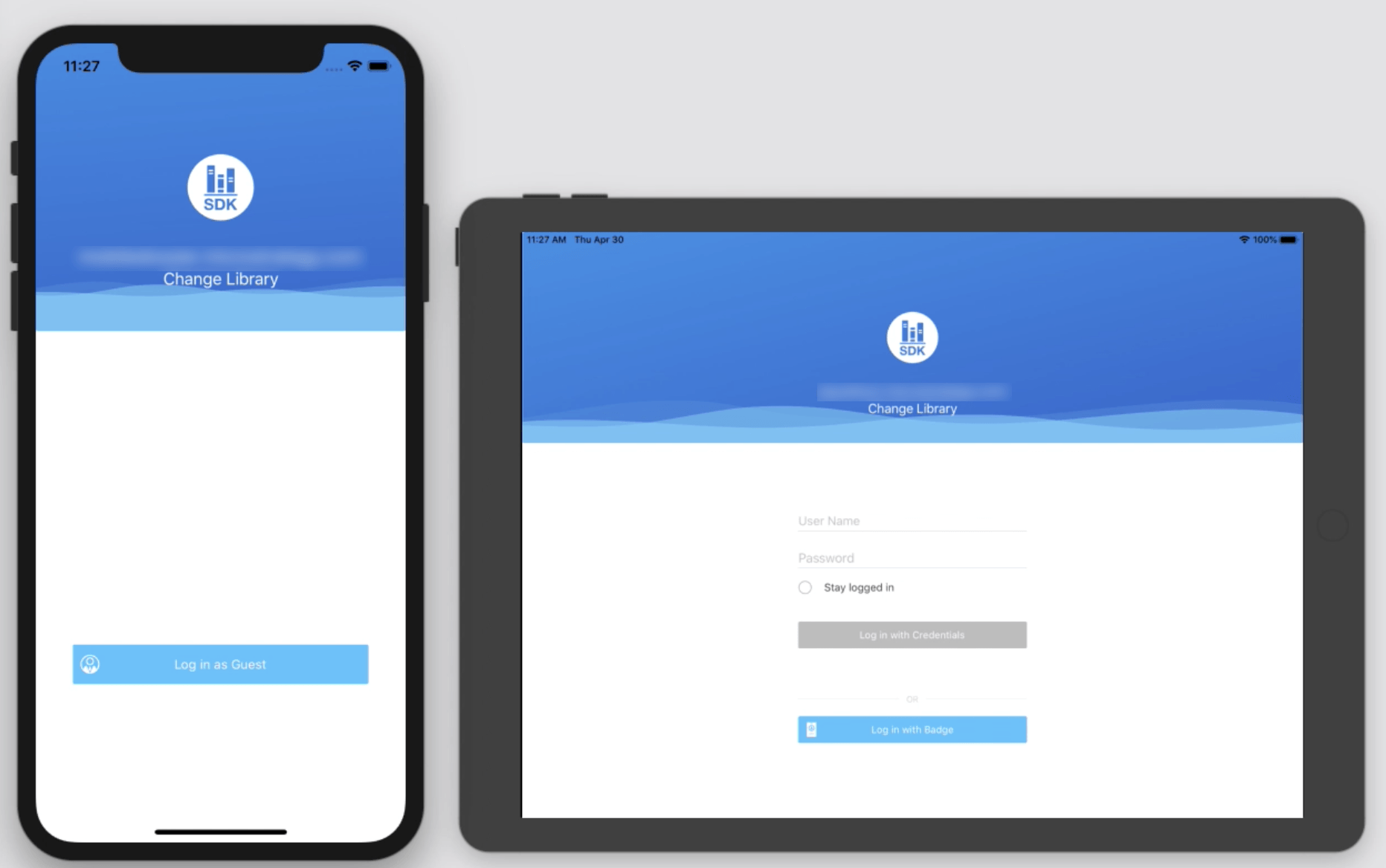
This demo shows how to change the login UI style from basic to theme1 by setting LoginUIScreenStyle to 1.

This demo shows how to change the login UI style to theme2 by setting LoginUIScreenStyle to 2.
This demo shows an end-to-end solution of integrating Apple authentication by configuring the server and client side.
On the client side, add Apple sign in capability and implement Apple login logic in the custom login delegate.
On the server side, establish a trust relationship between the Intelligence and Web servers.
Run the project on a device. It should appear as shown in the video below.
You can jump to a third-party app to get important login information and then direct the user back to the Strategy Library app to login.
For the Library app, you can jump to the third-party app when the application launches, the user taps the login button, the session times out, and the user logs out of the app.
func logInWithThirdApp(){
    UIApplication.shared.open(URL(string: "thirdPartyAppUrlSchema://mstrjump")!, options: [:], completionHandler: nil)
}
public class CustomLoginDelegate: LoginDelegate {
    public func loginButtonTapped(loginViewController: UIViewController, loginType: EnumLoginTypes, completionHandler: @escaping () -> Void) {
        logInWithThirdApp()
    }
}/pre>
override public func application(_ application: UIApplication, didFinishLaunchingWithOptions launchOptions: [UIApplication.LaunchOptionsKey : Any]? = nil) -> Bool {
     let result = super.application(application, didFinishLaunchingWithOptions: launchOptions)
     logInWithThirdApp()
     return result
}NotificationCenter.default.addObserver(self, selector: #selector(logInWithThirdApp), name: NSNotification.Name(rawValue: "CancelPreloadNotification"), object: nil) // Time out notification NotificationCenter.default.addObserver(self, selector: #selector(logInWithThirdApp), name: NSNotification.Name(rawValue: "NotificationDossierDidLogout"), object: nil) // log out notification
override func application(_ app: UIApplication, open url: URL, options: [UIApplication.OpenURLOptionsKey : Any] = [:]) -> Bool {
     getInfoFromUrl(url: url) // extract login info and login here to get iSession
     return super.application(app, open: url, options: options)
}