Starting with the release of Strategy ONE (March 2024), dossiers are also known as dashboards.
Description
When there is a complex Derived Attribute defined on multiple Attributes including Derived Attributes, Dossier execution returns error
Steps to Reproduce
This procedure is using the Strategy Tutorial warehouse that is shipped with Strategy.
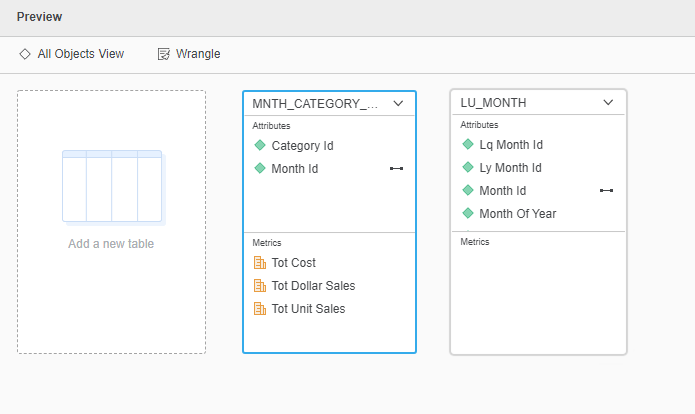
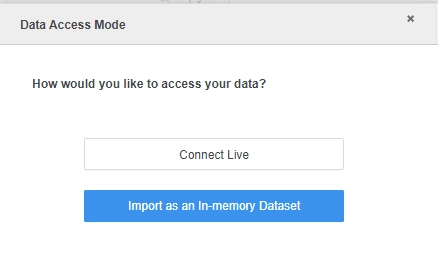
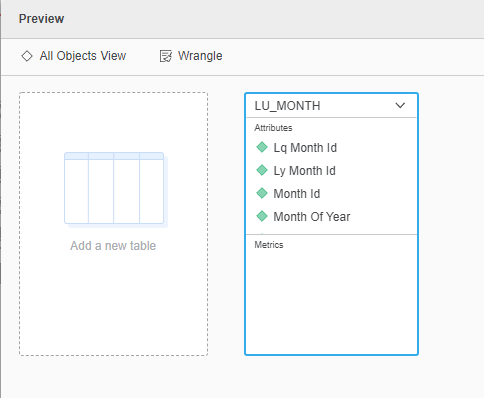
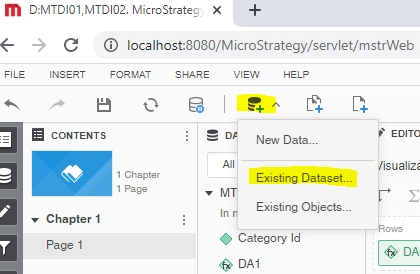
DA1: ([Prev Month Id]@ID+1)
DA2: [Month Of Year]@ID
DA3: (DA1@ID+[Month Of Year]@ID)
DA5: ([DA3]@ID+DA2@ID)
DA6: ([DA5]@ID+[Month Of Year]@ID)
select [DA1]@[ID],
[Prev Month Id]@[PREV_MONTH_ID]
from RELATION1-<DA1, Prev Month Id>
to Ex14_tempcube2
2020-08-19 16:08:27.783-04:00 [HOST:IP-0AF417BF][SERVER:T2149_IP-0AF417BF_200817094317510_6184_0001_teyema][PID:8140][THR:2360][MCE][Trace][UID:54F3D26011D2896560009A8E67019608][SID:6958F1A7205F7B7F3EF240EFD42FAAE8][OID:C92ABF2D4E4FBF7383EAFBB6D5D5CFAF]
select [DA5]@[ID],
[DA2]@[ID],
[DA3]@[ID],
[DA1]@[ID],
[Prev Month Id]@[PREV_MONTH_ID],
[Month Of Year]@[MONTH_OF_YEAR]
from Full Outer Join(
Ex14_tempcube2,
Full Outer Join(
Ex14_tempcube1,
Ex14_tempcube0
) on DA3
) on DA1
to RELATION15-<DA5, DA2, DA3, DA1, Prev Month Id, Month Of Year>
Cause:
This is a known issue in Strategy.
Solution:
This issue has been addressed in Strategy 2021.
To pick up the fix, upgrade to Strategy 2021 or above and enable project level setting "Data Engine Version" to 2020 or above. For more details on enabling the setting, refer to Change Data Engine Version
With the fix, the dossier can execute successfully. Checking MCE Trace, it joins on child Attribute [Month Of Year] when generating big relation RELATION14-<DA5:DA3,DA2, DA2, DA3:DA1, DA1, Prev Month Id, Month Of Year>
select [DA1]@[ID],
[Prev Month Id]@[PREV_MONTH_ID],
[Month Of Year]@[MONTH_OF_YEAR],
[DA3]@[ID]
from RELATION6-<Month Of Year, Prev Month Id, DA1, DA3 >
to Ex14_tempcube1
2020-08-19 15:57:26.102-04:00 [HOST:IP-0AF4178E][SERVER:T2149_IP-0AF4178E_200811160701440_4576_0001_ficupu][PID:7264][THR:10720][MCE][Trace][UID:54F3D26011D2896560009A8E67019608][SID:B7CA0ED8B7C4BC27074A601668DDDF5A][OID:C92ABF2D4E4FBF7383EAFBB6D5D5CFAF]
select [DA5]@[ID],
[DA2]@[ID],
[DA3]@[ID],
[DA1]@[ID],
[Prev Month Id]@[PREV_MONTH_ID],
[Month Of Year]@[MONTH_OF_YEAR]
from Full Outer Join(
Ex14_tempcube0,
Ex14_tempcube1
) on DA3, Month Of Year
to RELATION14-<DA5, DA2, DA3, DA1, Prev Month Id, Month Of Year>
Strategy internal reference number for this technical note is DE163102
