

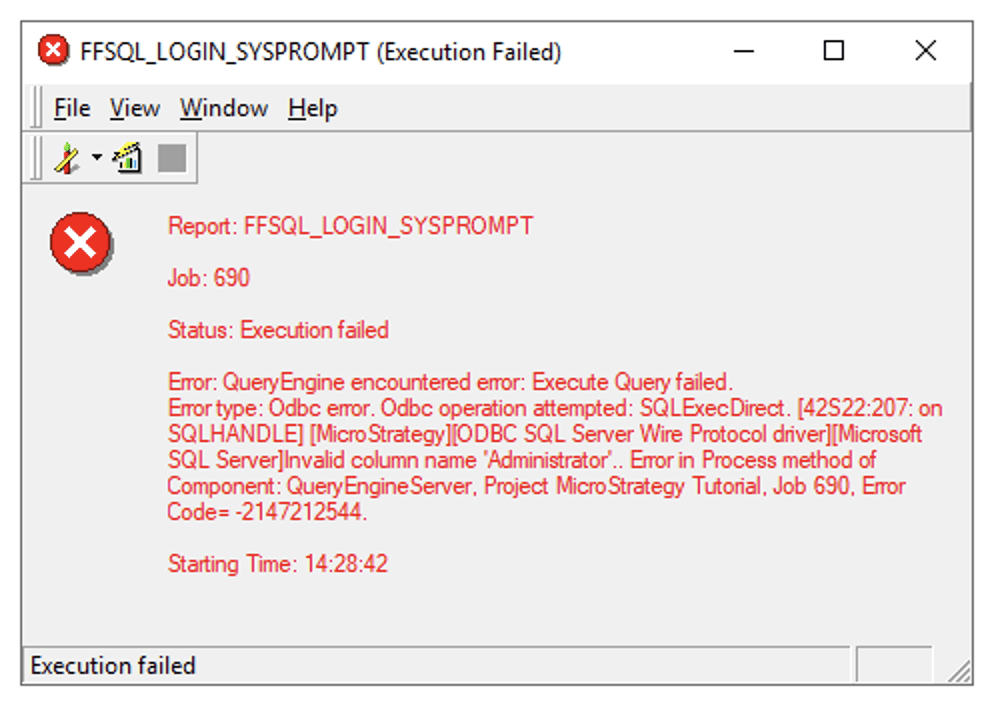
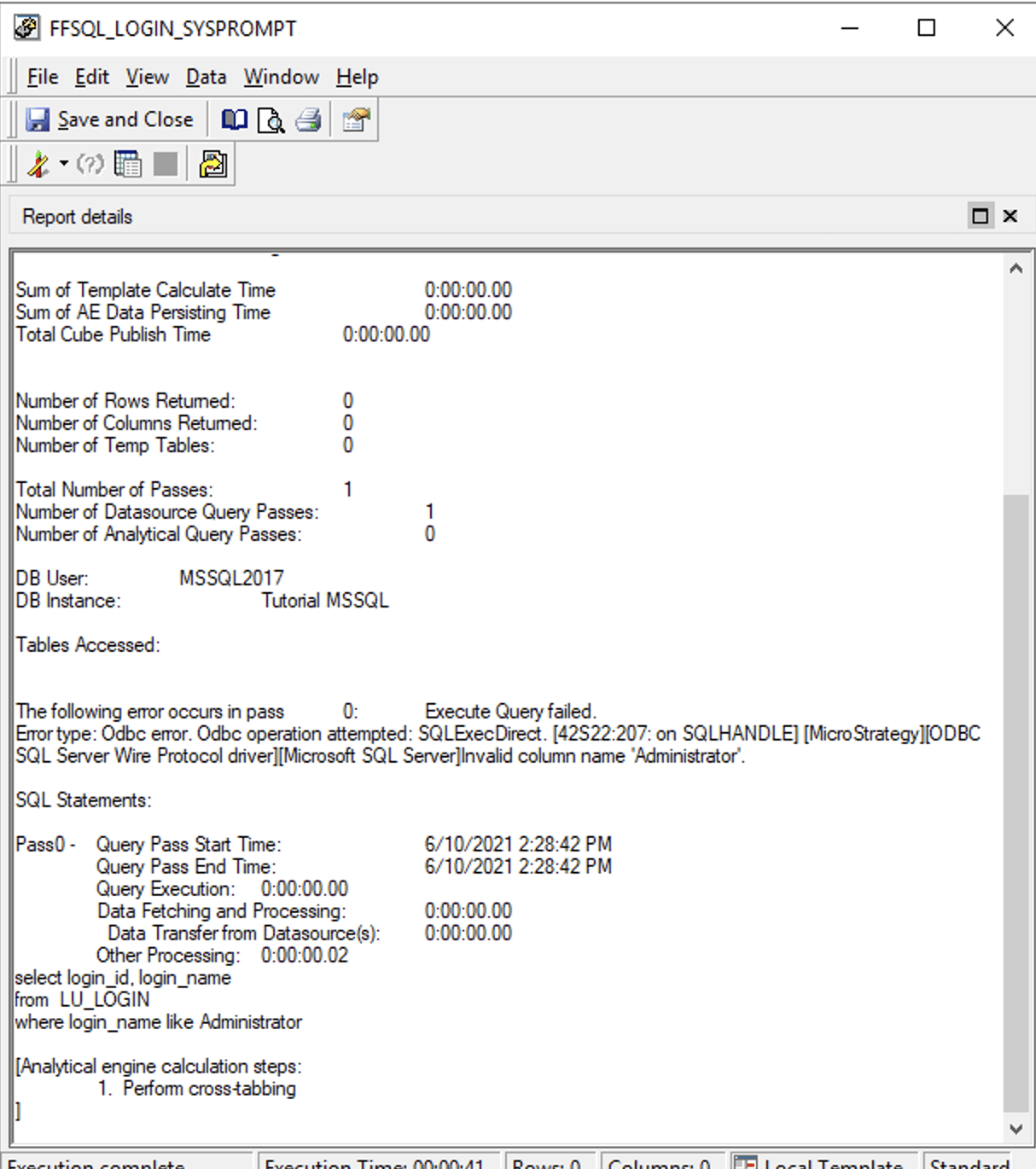
This is an expected behavior with Strategy 2021 Update 1 due to changes in parameterized query behavior control.
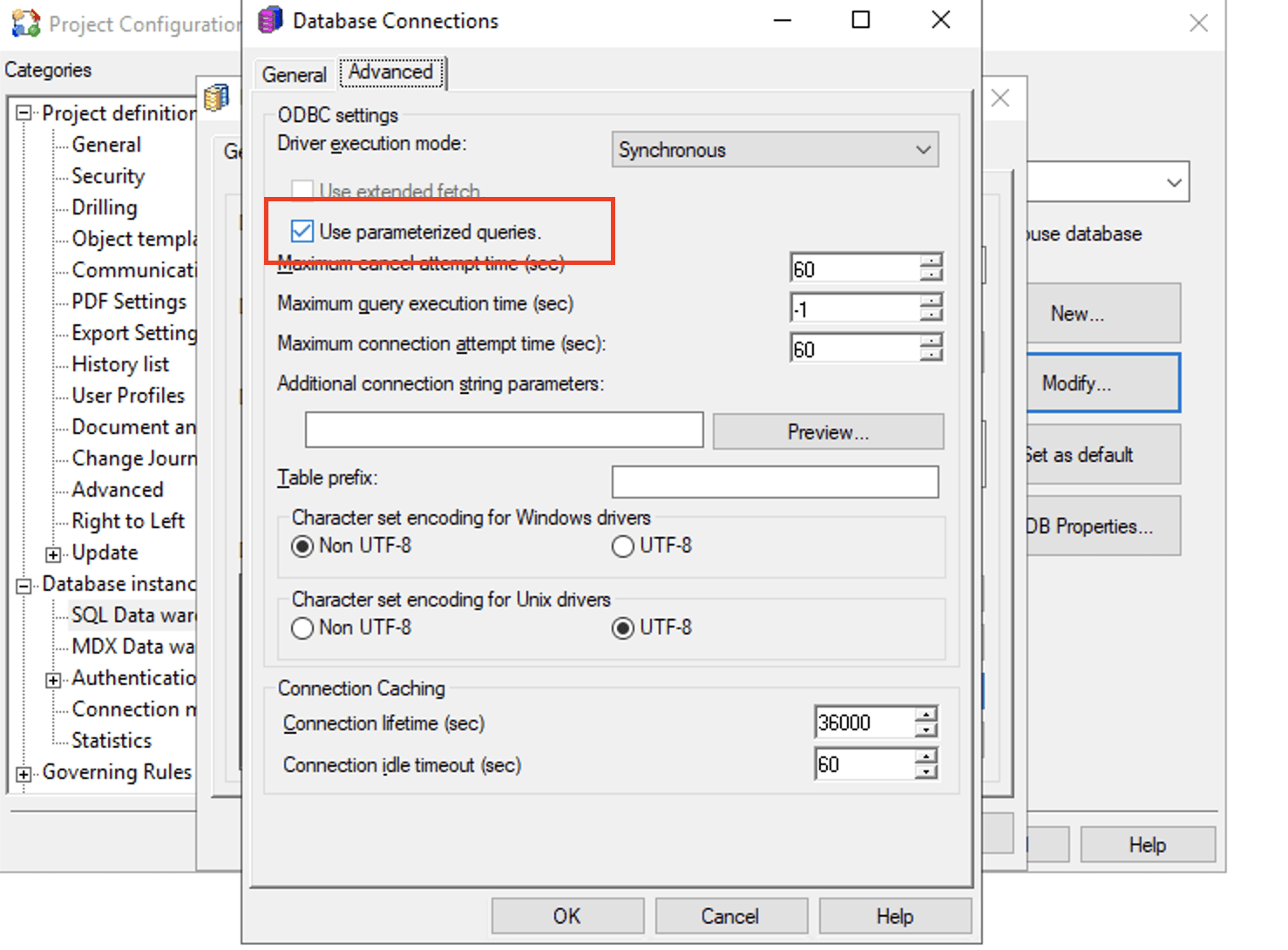
Before Strategy 2021 Upgrade 1, to enable parameterized query in free-form SQL, you only need to enable it on the database connection-level, regardless of whether the DBMS is certified for parameterization.
After Strategy 2021 Upgrade 1, if the DBMS is not certified for parameterization, parameterization for free-form SQL with text prompt is disabled, even when the database connection-level control is enabled. This is because parameterization for secure SQL has been extended to all live execution workflows (not limited to free-form SQL containing text prompt) and it is essential that Strategy certify such workflows in a unified way on all Diamond and Platinum gateways.
So far, all recent versions of major Diamond and Platinum gateways have been certified. The list of certified gateways can be found here and we are working on certifying more.
If you are unable to move to one of the certified gateways, and if you have certified that your free-form SQL reports can run with parameterized queries with your specific DBMS, you can re-enable it for your projects by the following steps:

<PROPERTYSET NAME="VLDB Select">
<PROPERTY NAME="GROUP BY Non-ID Attribute" VALUE="1" />
<PROPERTY NAME="Sub Query Type" VALUE="3" />
<PROPERTY NAME="Maximum Metric Alias Length" VALUE="128" />
<PROPERTY NAME="Set Operation" VALUE="1" />
<PROPERTY NAME="Full Outer Join Support" VALUE="1" />
<PROPERTY NAME="Parameterized Query for Text Input" VALUE="1" />
