EducationSoftwareStrategy.com
StrategyCommunity

Knowledge Base

Product

Community

Knowledge Base

TopicsBrowse ArticlesDeveloper Zone

Product

Download SoftwareProduct DocumentationSecurity Hub

Education

Tutorial VideosSolution GalleryEducation courses

Community

GuidelinesGrandmastersEvents
x_social-icon_white.svglinkedin_social-icon_white.svg
Strategy logoCommunity

© Strategy Inc. All Rights Reserved.

LegalTerms of UsePrivacy Policy
  1. Home
  2. Topics

KB485520: Graph behavior changes in documents


Libing Wang

Software Engineer • MicroStrategy


This article explains why you may encounter graph behavior changes in documents after upgrading.

Description

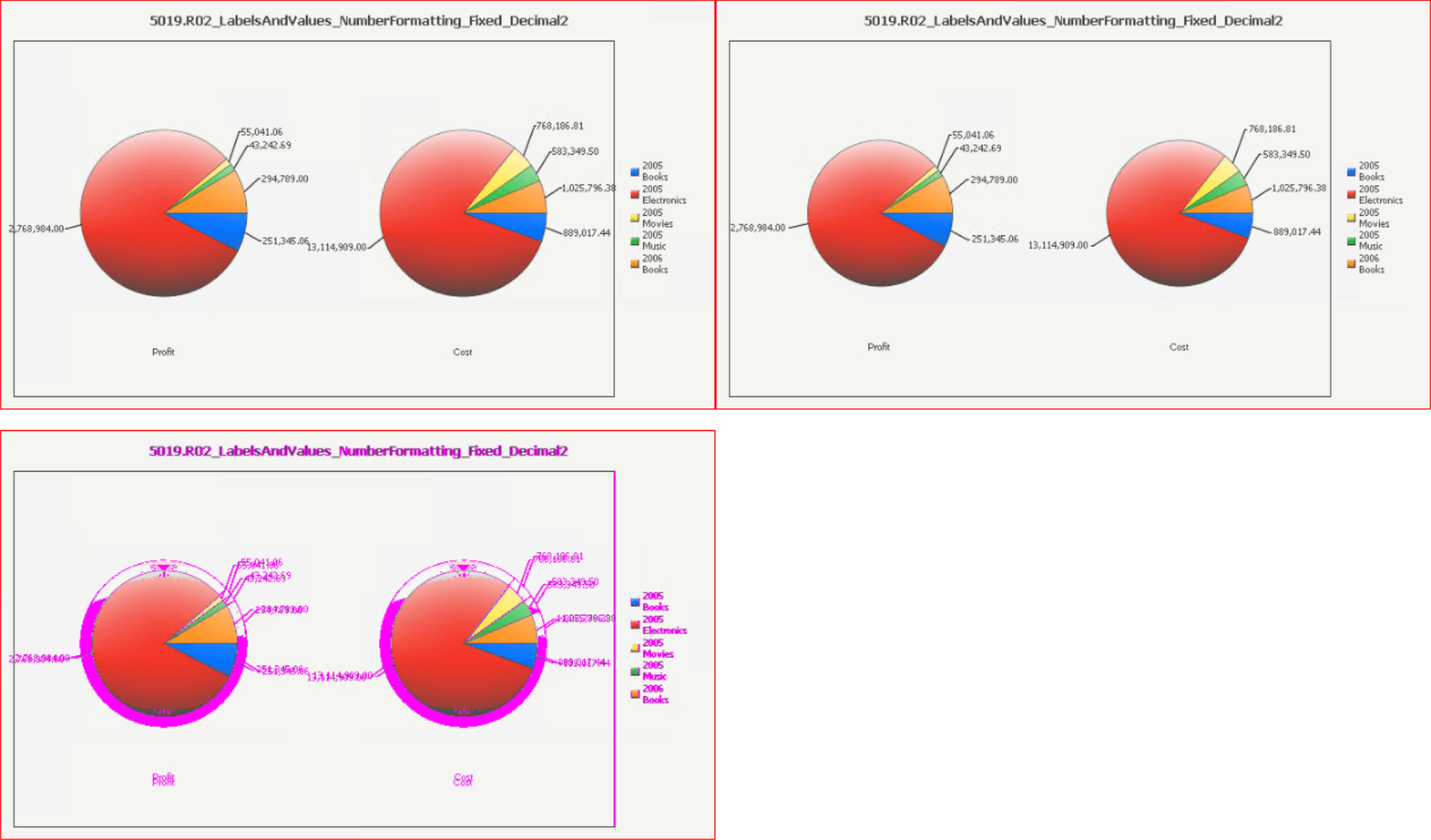
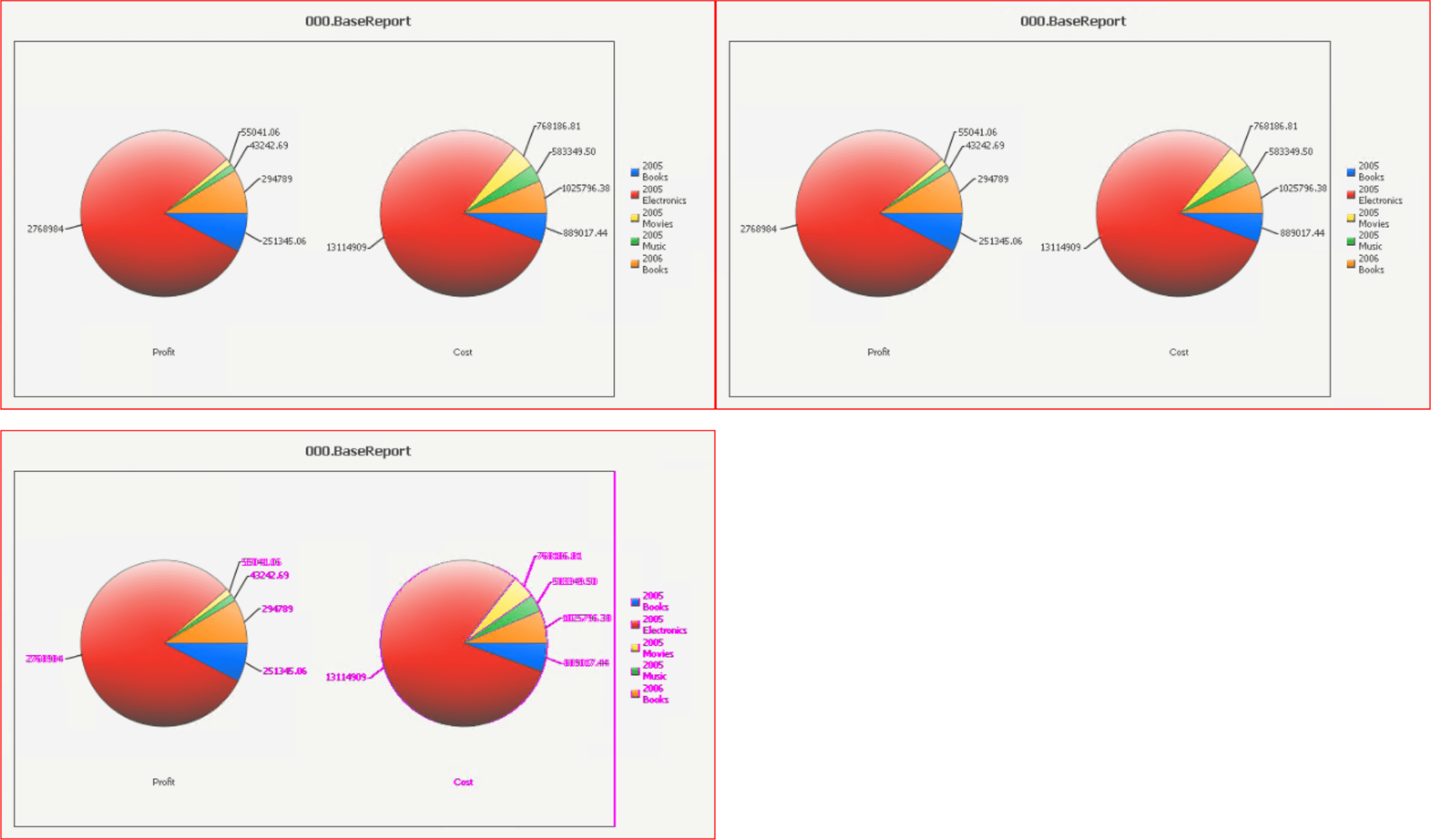
You may encounter some graph behavior changes in documents after upgrading. Here are some examples of the graph changes.
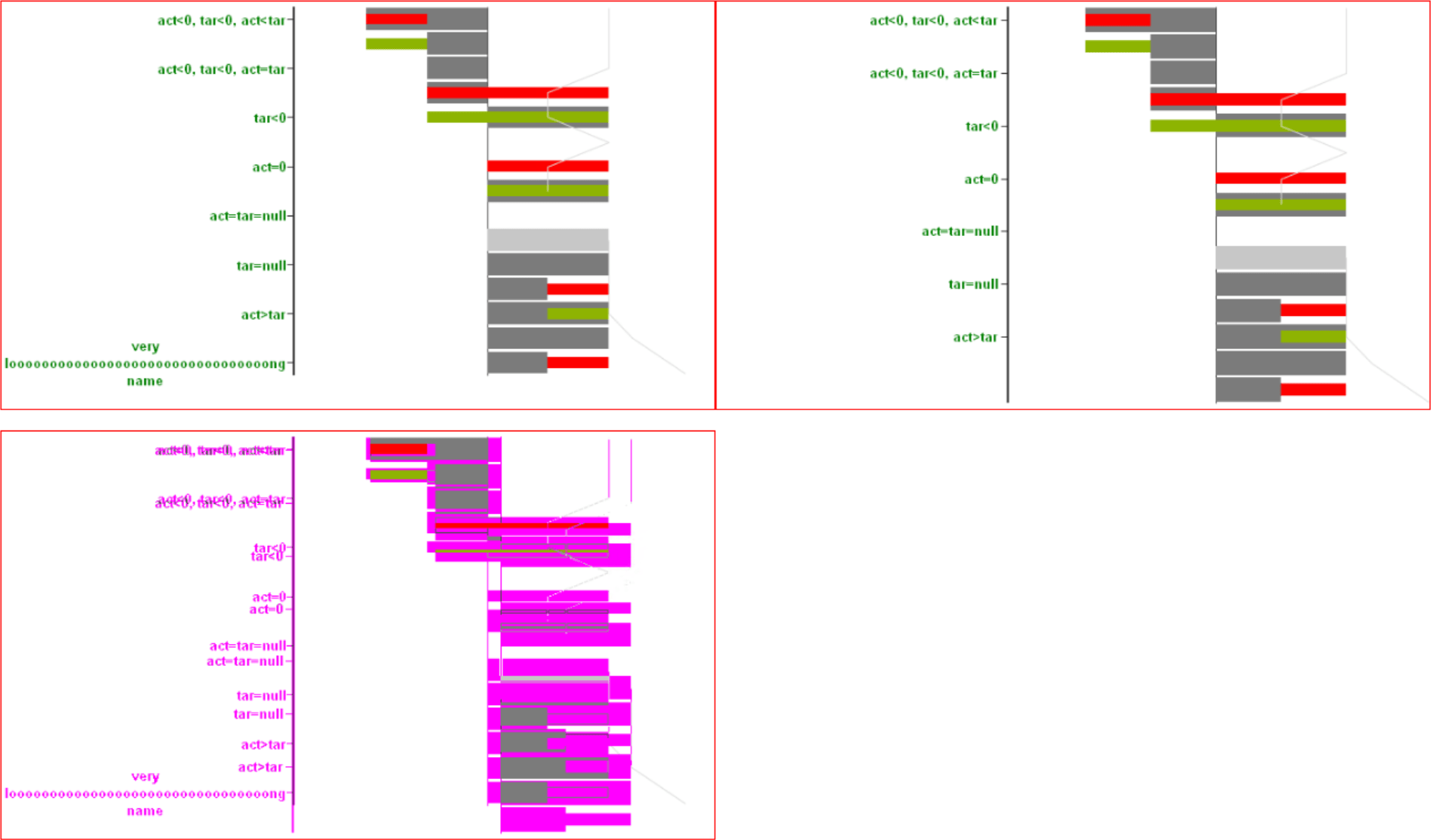
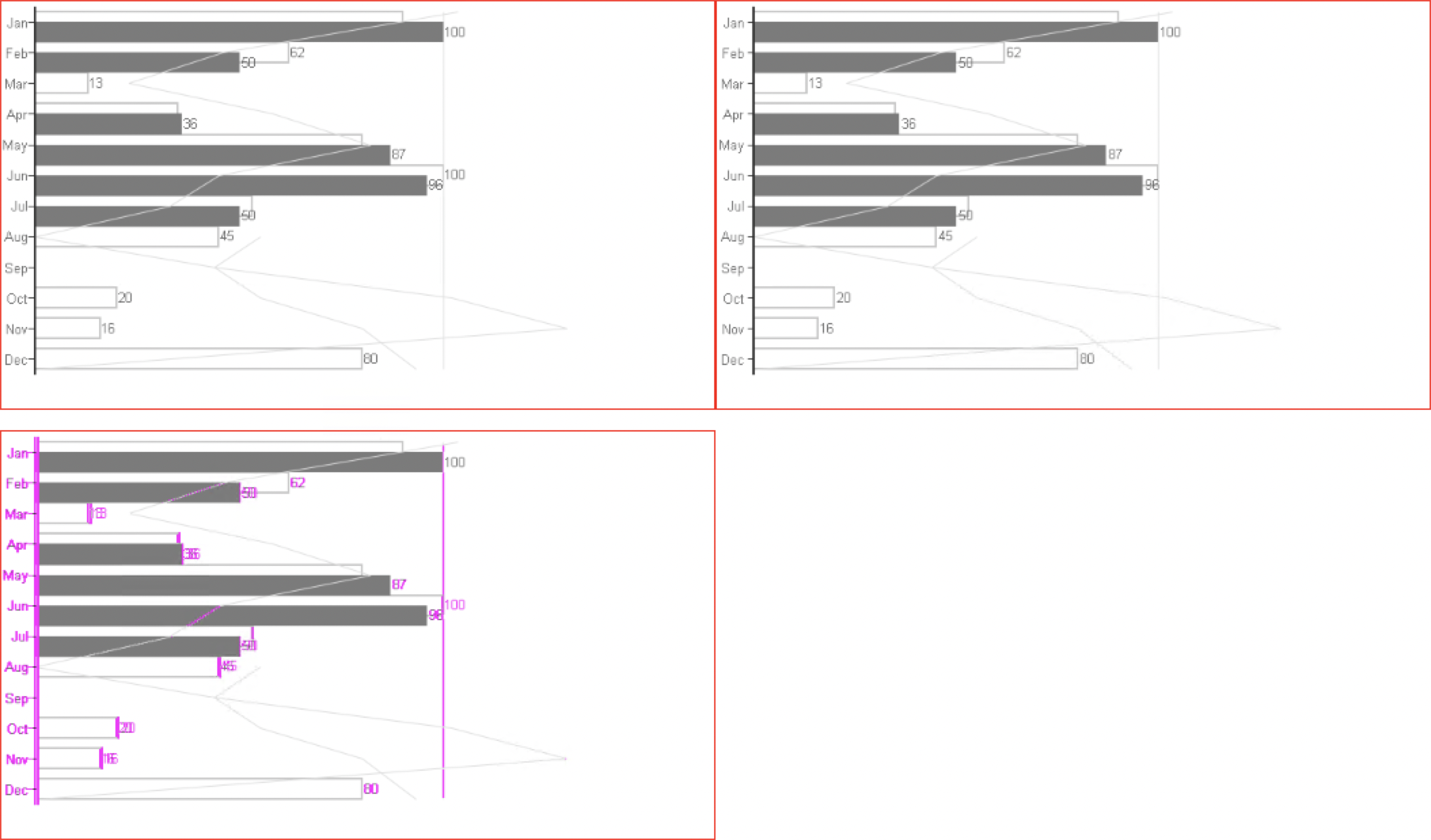
  • Access labels that are too long are hidden.
ka04W000001IvvjQAC_0EM4W000004aVmu.jpeg
  • Text and labels are slightly shifted.
ka04W000001IvvjQAC_0EM4W000004aVmz.jpeg
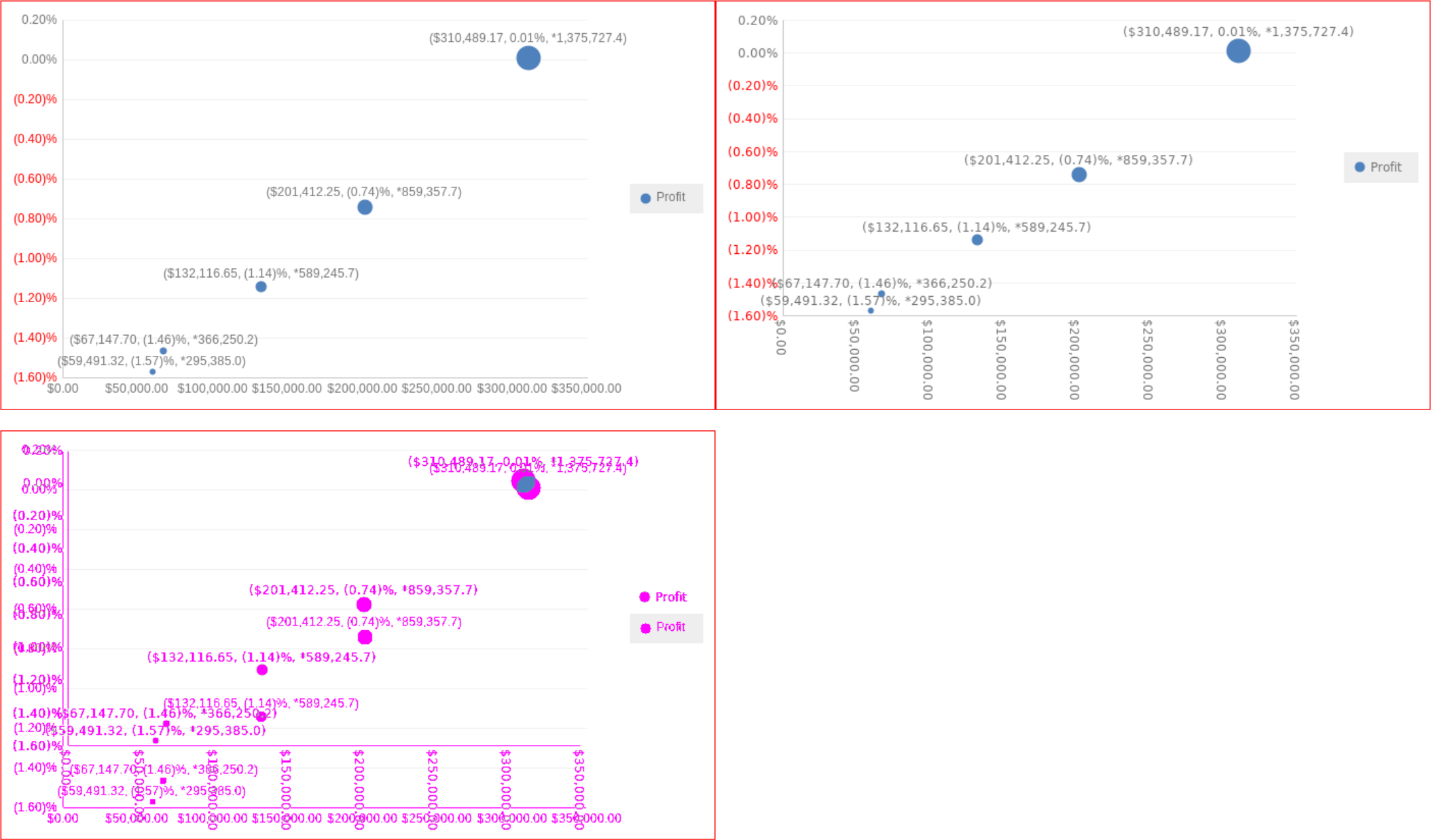
  • Some ticks are omitted due to a slight label position change.
ka04W000001IvvjQAC_0EM4W000004aVn4.jpeg
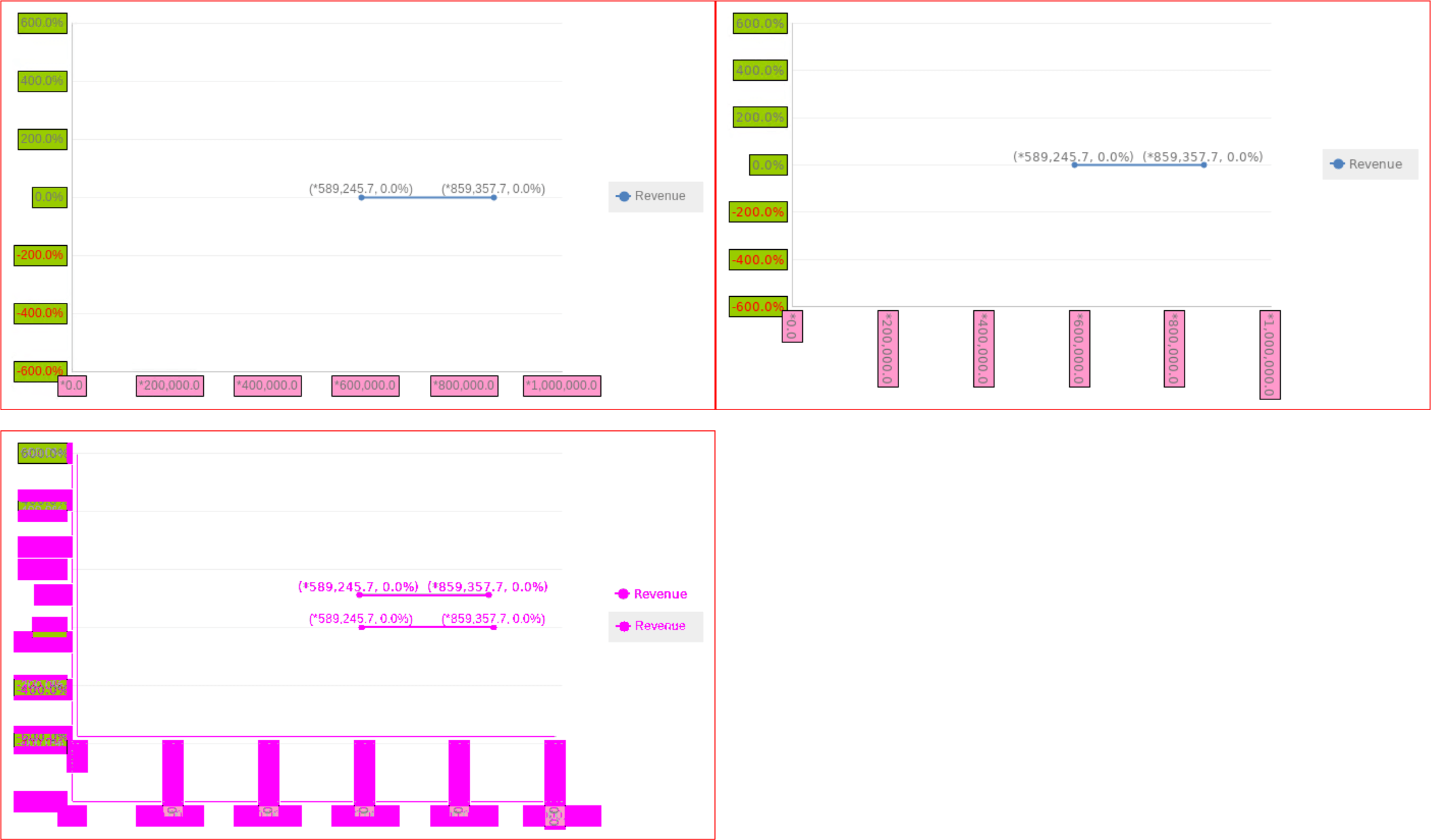
  • Label rotation changes due to a slight change in text size.
ka04W000001IvvjQAC_0EM4W000004aVn9.jpeg
ka04W000001IvvjQAC_0EM4W000004aVnE.jpeg
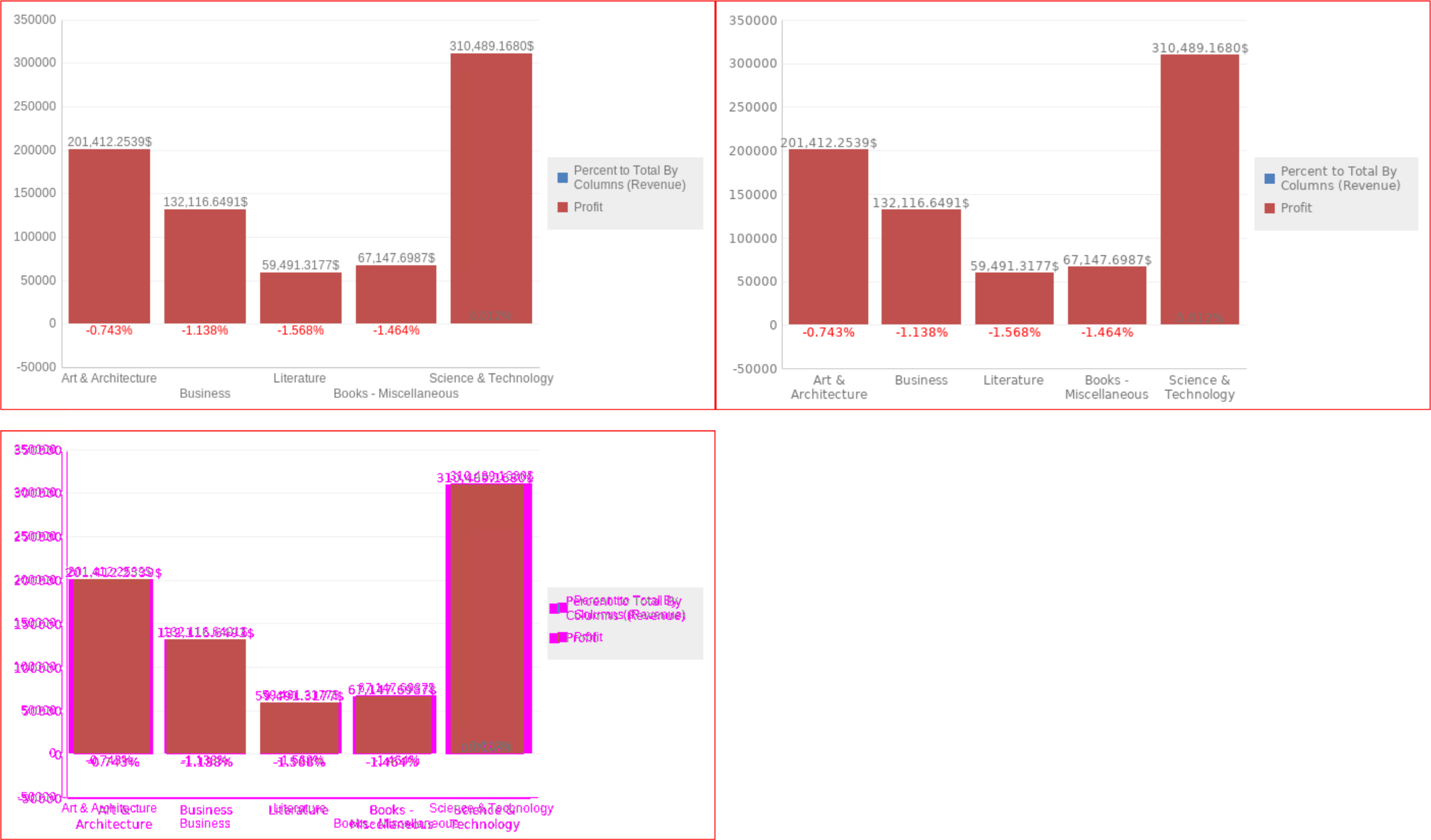
  • Axis label layout changes due to a slight change in text size.
ka04W000001IvvjQAC_0EM4W000004aVnO.jpeg
  • Graph elements size change due to a slight change in label size.
ka04W000001IvvjQAC_0EM4W000004aVnd.jpeg

Why is this happening?

The graph engine in 2021 Update 6 was upgraded as part of our Security Assurance Program. While all efforts are made to minimize impact to graph rendering, there are some noticeable changes as part of this release.


Comment

0 comments

Details

Knowledge Article

Published:

June 2, 2022

Last Updated:

June 29, 2022