Symptom
When running transaction documents against SingleStore datasource and using the SingleStore native ODBC driver, once multiple statements query is contained in the report, you may encounter this error, “Parameter count and table column count do not match...”,
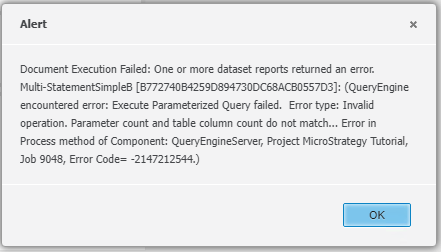
Check the Executed SQL, it looks like
INSERT INTO PQTX_DATATYPES(INTEGER_TYPE, NVARCHAR_TYPE, DATE_TYPE)values (1,'second statement', '1999-10-01');
INSERT INTO PQTX_CUSTOMER(CUSTOMER_ID, CUST_LAST_NAME, CUST_BIRTHDATE)values (?, ?, ?);
There’re 2 or more SQL statements contained and executed in 1 transaction.
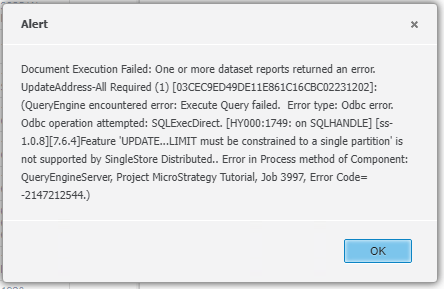
Another error may be encountered when running transaction document which contains UPDATE statement, “Feature 'UPDATE...LIMIT must be constrained to a single partition' is not supported by SingleStore Distributed”,
Cause
There are couple of bugs in SingleStore ODBC driver which version is lower than 1.1.0, e.g. 1.0.8, and the bugs have been fixed in version 1.1.0.
Action
Upgrade SingleStore ODBC driver to latest version which is 1.1.0 or later.
Version:
11.3.x
