During an upgrade installation of Strategy ONE Update 10 on top of a previous Strategy installation with the Strategy Repository installed, the installer runs a checking process to determine if Strategy Repository can be upgraded. As this operation fails, the “Failed to pass PreCheck for upgrading Strategy Repository! Setup aborted...” error message appears, and the upgrade installation process is interrupted.
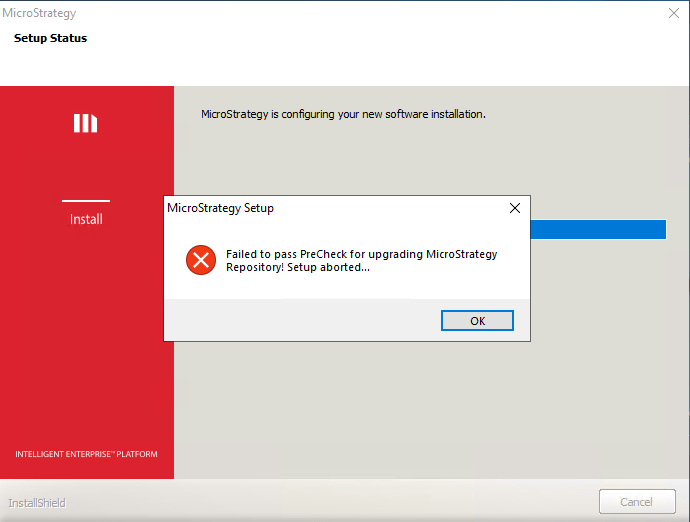
Failed to pass PreCheck for upgrading Strategy Repository! Setup aborted...
This issue occurs when the following 2 conditions are met:
When the first condition is met, the following statements are run against the PostgreSQL database of the Strategy Repository:
ALTER ROLE <FirstUser> RENAME to <CurrentUser>;
ALTER USER <CurrentUser> WITH PASSWORD '<CurrentUserPassword>';
ERROR: syntax error at or near "<SpecialCharacter>" in character <PositionNumber>
ERROR: syntax error at or near "." in character 13
Where <YYYY-MM-DD_HHMMSS> is the timestamp of the file creation.
Where <DayOfWeek> is: Mon, Tue, Wed, Thu, Fri, Sat and Sun.
As the above statements fail, the checking process of the Strategy Repository upgrade fails, and therefore, the Strategy ONE Update 10 installer does not allow the upgrade installation to continue.
This issue has been fixed in Strategy ONE Update 11. Please install this Strategy release or higher to take advantage of the fix.
To avoid this issue, use the same Operating System user who did the initial Strategy installation to perform the upgrade installation of Strategy 2021 Update 10. In order to determine the Operating System user who did the initial Strategy installation, please connect to the Strategy Repository with the "mstr" user and run this SQL query:
SELECT rolname FROM pg_roles WHERE oid=10;
