Starting with the release of Strategy ONE (March 2024), dossiers are also known as dashboards.
If your users use different versions of Strategy, common out-of-the-box folders have a different naming convention between versions earlier than Strategy ONE (March 2024) and Strategy ONE (March 2024) and later. In versions earlier than Strategy ONE (March 2024), these folders are named "My Dossiers" and "My Shared Dossiers". In Strategy ONE (March 2024) and later, these folders are named "My Dashboards" and "My Shared Dashboards". You can use the following steps to update these folder names so they are consistent for all users.
Note: Inconsistencies between folder names does not affect functionality.
If you have a project with at least one language assigned, you can update all versions with the same folder name.
Note: The following steps do not apply if you do not have a language assigned to your project or for projects that are assigned a language that is not supported by Strategy.
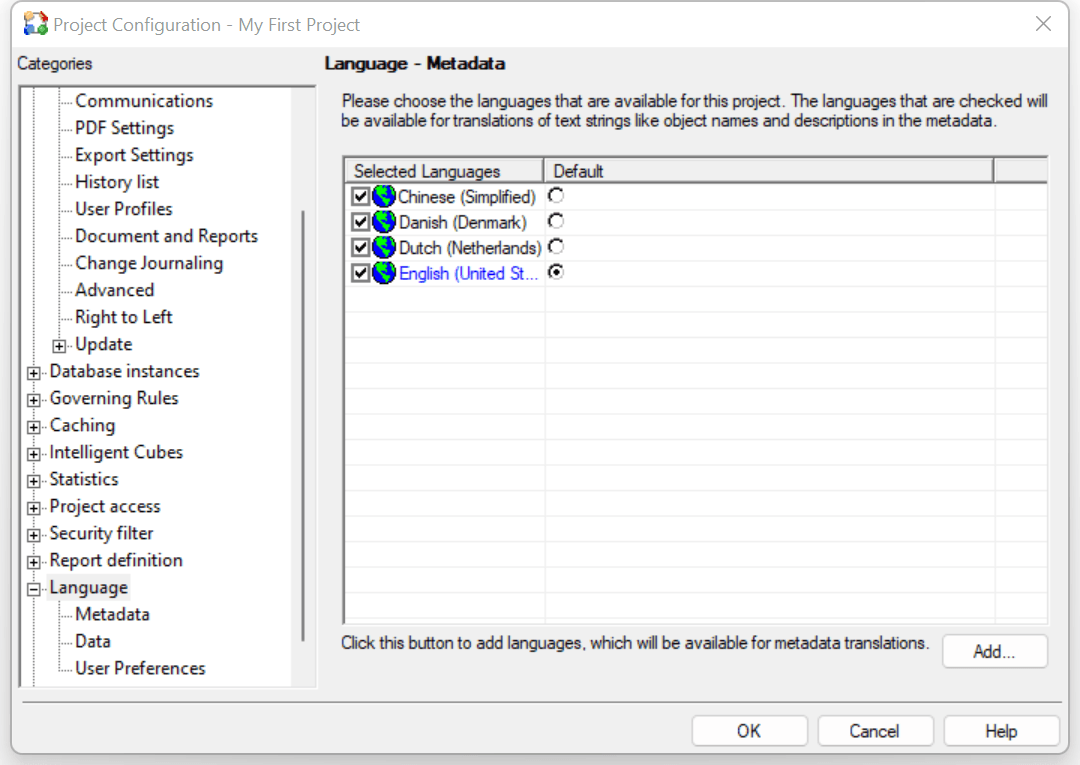
When an existing user is logged into a project with a version earlier than Strategy ONE (March 2024), the user may see the following folders, including "My Dossiers" and "My Shared Dossiers":

A different user that is logged into a project using Strategy ONE (March 2024) or later may see the following folders, including "My Dashboards" and "My Shared Dashboards":

While these differences don't affect functionality, it may cause some confusion between your users. To update all folder names in one project, you can use the metadata update functionality in the Configuration Wizard:
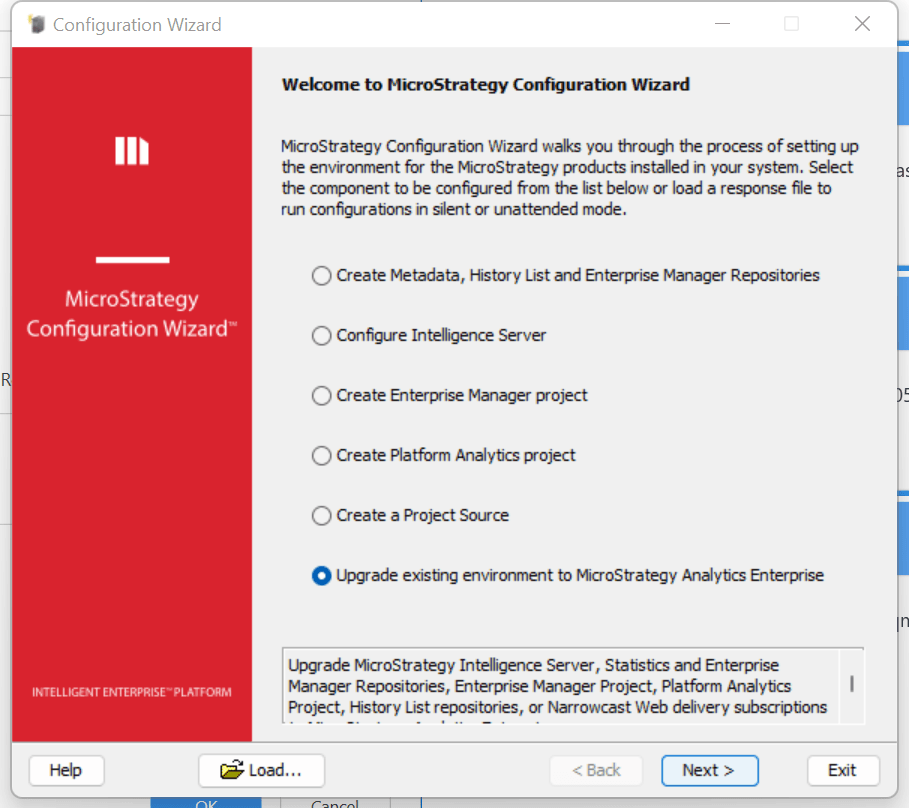
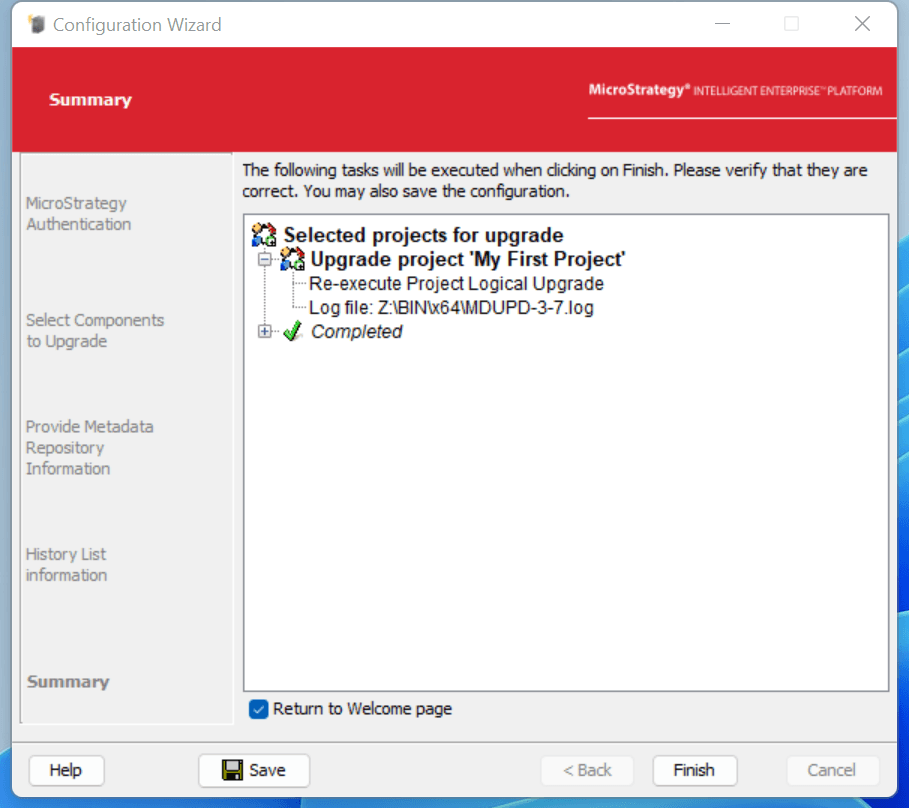
All project folders are updated to the newest strings:
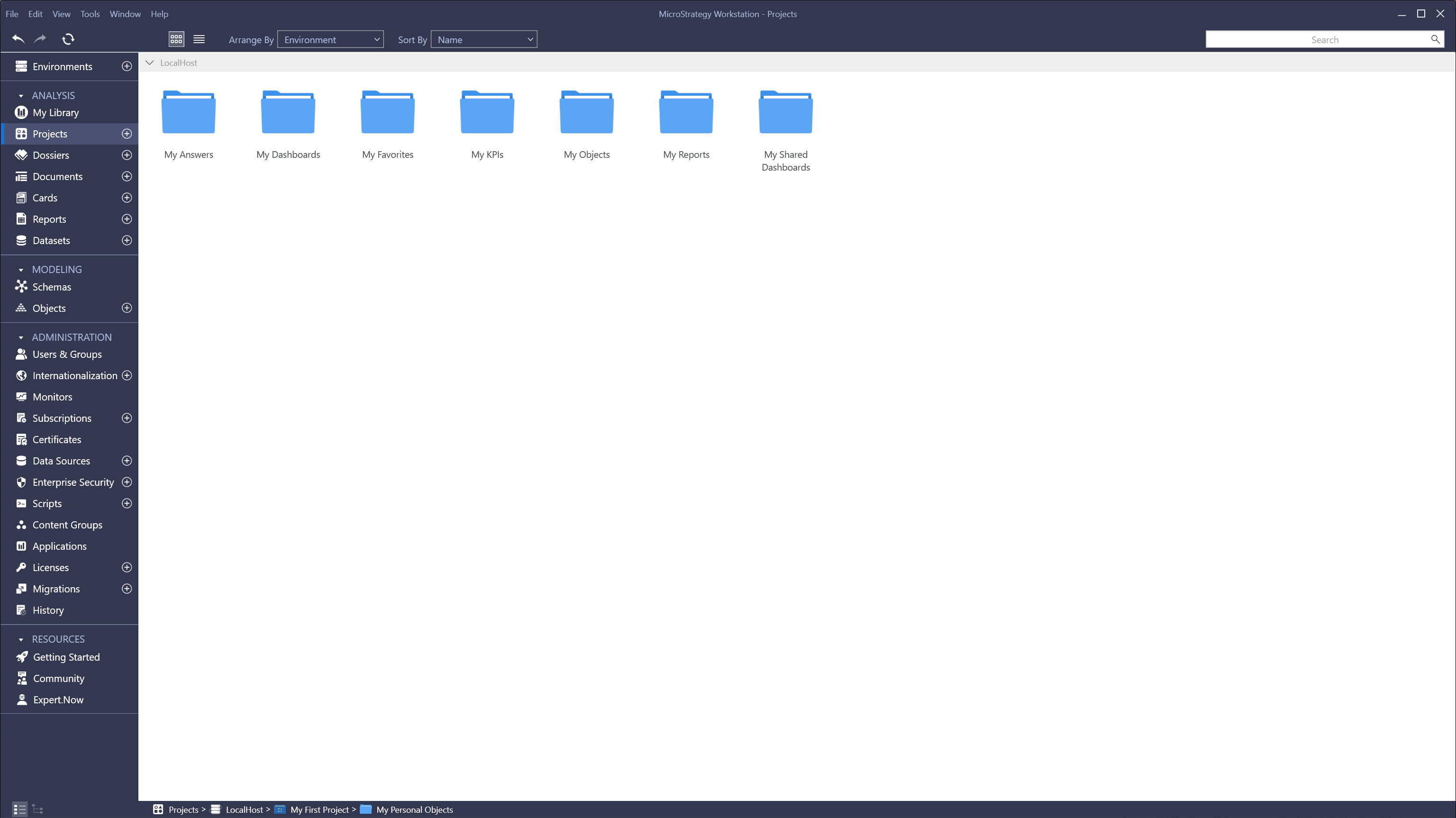
All languages are updated to the newest folder names:

Integrity Manager tests may need to be updated. Scripts that use the exact folder path to perform a result check may encounter an expected mismatch due to the name change. If a user builds an automation test that refers to the old folder name, for example "My Dossiers", the test may fail. In this case, you should update the script.
